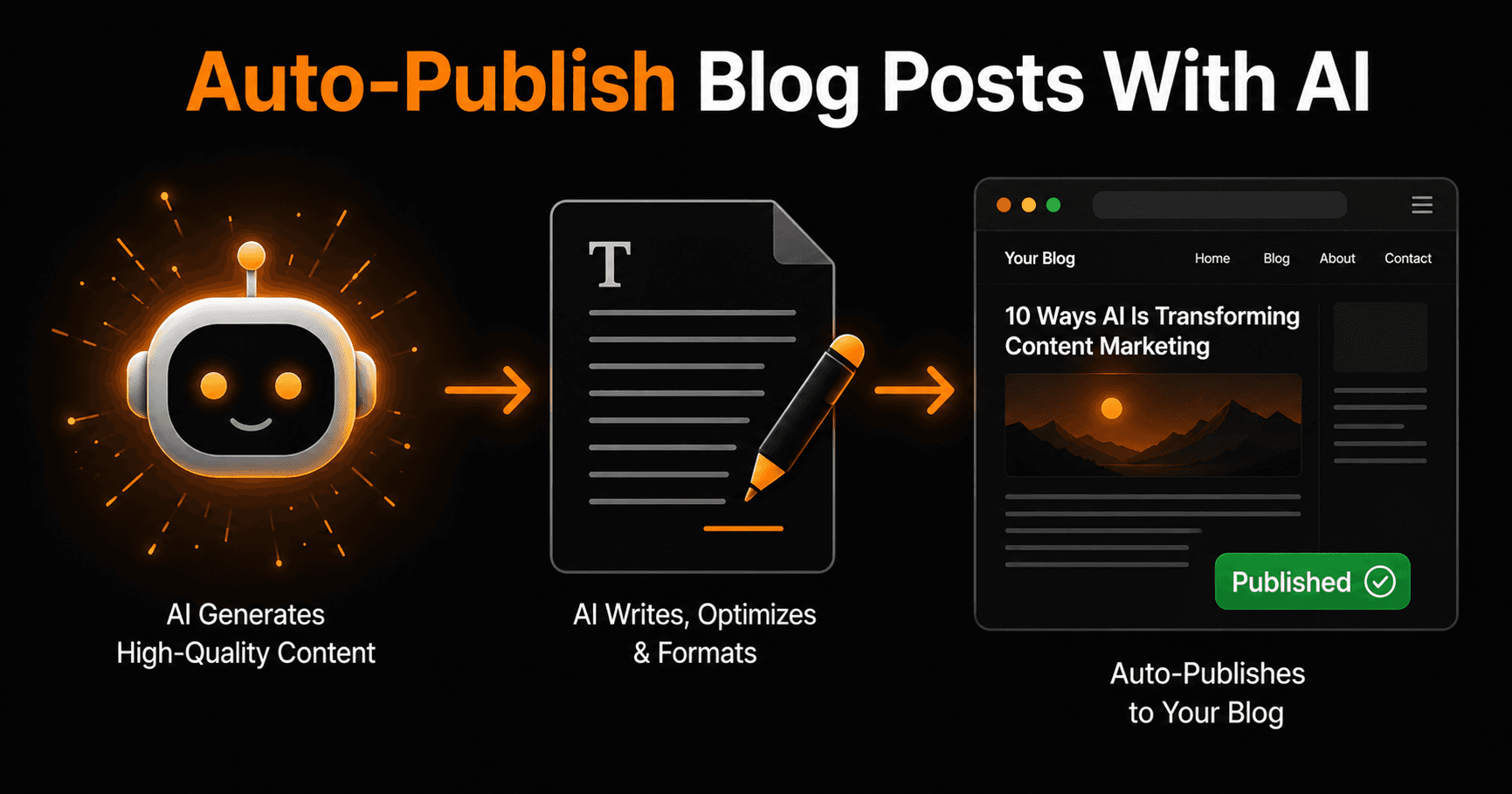
Writing a blog post takes hours. Publishing it manually — formatting, adding SEO meta, scheduling, sharing to social — takes more. With the right AI workflow, you can compress the entire process down to a single approval click. Here's how to build it.
Why manual publishing is a bottleneck
Most content teams spend more time on production logistics than on actual writing. The average blog post touches five different tools between draft and live: a doc editor, a CMS, an SEO tool, a scheduling platform, and a social media manager. Each handoff is manual. Each is a chance for delay, error, or the post to get stuck in a queue indefinitely.
AI auto-publishing doesn't remove the human from the process — it removes the friction. You still approve before anything goes live. You just don't do the work in between.
The 5-step auto-publish pipeline
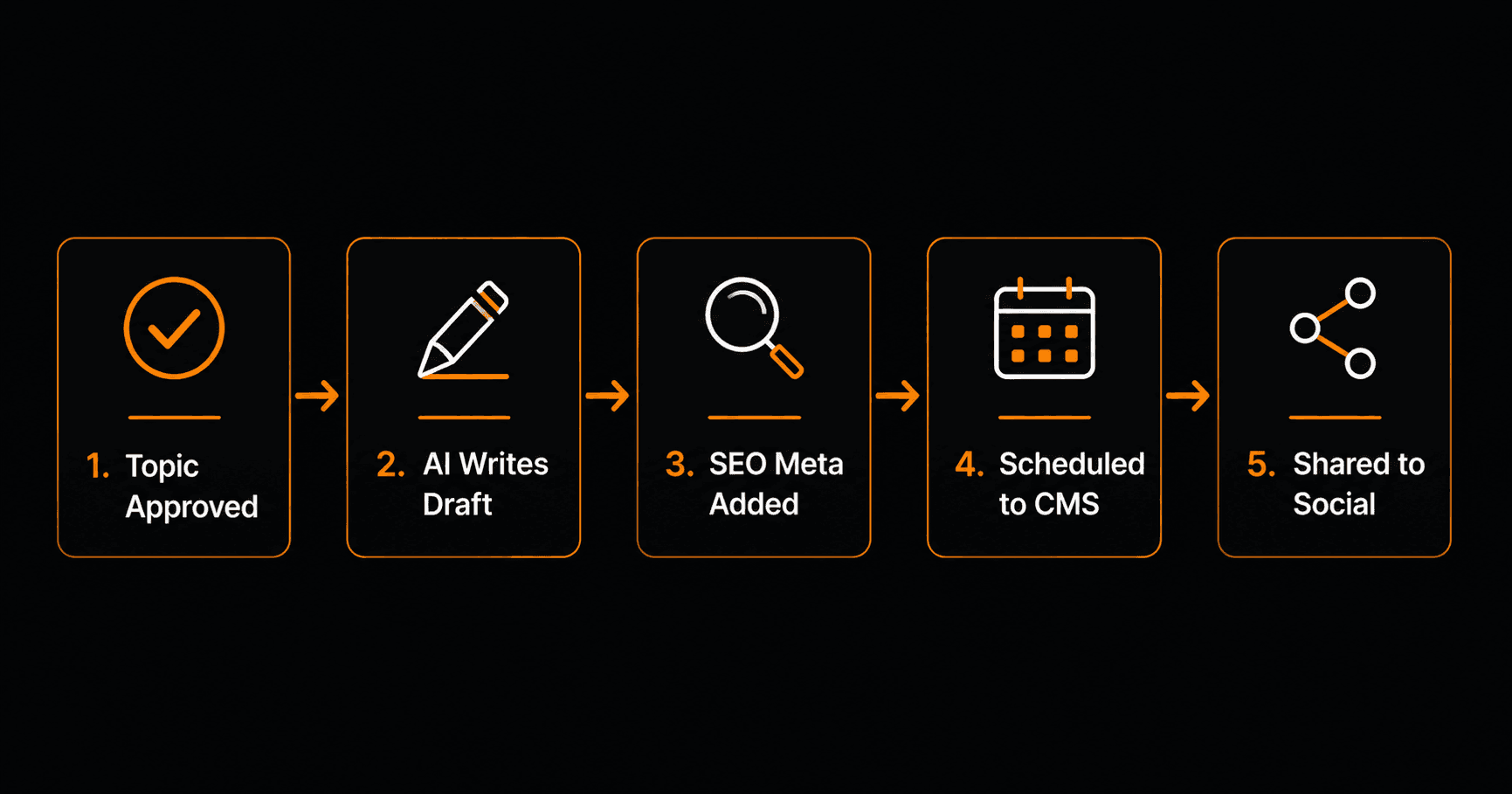
Five steps from approved topic to published post — all automated except the human approval.
Step 1 — Topic approved
The pipeline starts with a trigger: a topic is approved. This could be a Slack message to a specific channel, a row added to a Google Sheet with status “Approved”, or a Notion database property update. Any of these can trigger the workflow automatically.
Step 2 — AI writes the draft
An AI node receives the topic, target keyword, audience description, and tone guidelines. It generates a full draft — typically 1,000–1,800 words — structured with an introduction, subheadings, and a conclusion. The draft is saved to a Google Doc or Notion page for review.
The workflow then sends a Slack or email notification: “Draft ready for review — [link].” A human approval step pauses the workflow here. Nothing proceeds until you click approve.
Step 3 — SEO meta added
Once approved, a second AI node generates the SEO metadata: title tag (under 60 characters), meta description (under 160 characters), URL slug, and a suggested featured image alt text. These are added to the draft automatically.
If you use a tool like Ahrefs or SEMrush, the workflow can also pull the target keyword's search volume and top-ranking competitor titles via API to inform the title generation.
Step 4 — Scheduled to CMS
The formatted post — body, metadata, slug, category, tags — is pushed to your CMS via API. WordPress, Ghost, Webflow, and most headless CMS platforms have publish APIs that accept structured content directly.
The workflow sets the publish date based on your editorial calendar. If your Google Sheets content calendar shows the next available slot is Thursday at 9am, the post is scheduled for exactly that time — no manual CMS login required.
Step 5 — Shared to social
On publish, the workflow fires a final set of actions: a LinkedIn post with the article title and link, a tweet, and optionally a newsletter teaser sent to your email list via Mailchimp or Beehiiv. The social copy is generated by a third AI node — platform-appropriate length and tone for each.
How to build this on Vendarwon Flow
- Connect your tools. Authorize Google Sheets or Notion (topic source), Google Docs (draft destination), your CMS API, Slack (notifications), and your social/email platforms.
- Describe the workflow. Type: “When a row in my content Google Sheet is marked Approved, use AI to write a blog post on the topic, save it to Google Docs, notify me in Slack, wait for my approval, then add SEO meta, publish to WordPress, and share to LinkedIn.”
- Review the generated workflow. Check the AI nodes have the right prompts — add your brand voice guidelines and target audience description to each one.
- Activate. The first approved topic triggers the full pipeline end-to-end.
What this actually saves
A typical blog post workflow without automation: 3–4 hours writing, 30 minutes formatting and uploading to CMS, 15 minutes writing social copy, 15 minutes scheduling. That's 4+ hours per post.
With this pipeline: you spend 20–30 minutes reviewing and editing the AI draft, click approve, and you're done. Everything else happens automatically. For a team publishing 4 posts per month, that's 12–14 hours returned every month.
Quality control — keeping the human in the loop
The approval gate at step 2 is non-negotiable. AI drafts are a strong starting point, not a finished product. Before approving, check: Is the information accurate? Does it match your brand voice? Are there any claims that need a source? Does it actually answer the question the title promises?
Most teams find that AI drafts need 20–40% editing on first use, dropping to 10–20% as you refine the system prompt with specific guidance about tone, structure, and what to avoid.
Frequently asked questions
Which CMS platforms work with this?
Any CMS with a REST API — WordPress, Ghost, Webflow CMS, Contentful, Sanity, and most headless platforms. Vendarwon Flow can push content via HTTP Request to any endpoint that accepts JSON.
Can the AI match my brand voice?
Yes — include 3–5 examples of your best-performing posts in the AI node prompt as style references. The more specific your tone guidelines (casual vs formal, short sentences vs long, first person vs third), the closer the output will match.
What if the draft needs major edits?
You can add a rejection branch to the approval step. If you reject the draft, the workflow sends it back to the AI node with your feedback note and generates a revised version. You can loop this up to 3 times before it flags for manual review.
How much does it cost per post?
On Vendarwon Flow, each workflow execution uses your monthly execution quota. A 5-step pipeline like this counts as 5 execution steps — well within even the free plan's 100 executions per month for a small publishing operation.