
Every week, millions of people manually copy data between apps, forward emails, update spreadsheets, and send the same messages over and over. It doesn't have to be this way. Workflow automation eliminates repetitive work by connecting your apps and letting them talk to each other automatically — no code, no developer, no waiting.
What is workflow automation?
Workflow automation is the process of setting up rules that automatically move information and trigger actions between your tools. Instead of you doing the same task every time — like copying a new email into a spreadsheet, or sending a Slack message when an order comes in — a workflow does it for you the moment it detects the trigger.
Think of it like a series of dominos. You set them up once, tip the first one, and the rest fall automatically. The “first domino” is called a trigger — something that starts the workflow. Everything that follows is an action — something your workflow does automatically in response.
A simple example
Imagine you run a small business and you want to know the moment a client emails you. Instead of checking Gmail every 10 minutes, you build this workflow:
- Trigger: New email arrives in Gmail
- Action 1: Send a Slack notification with the sender and subject
- Action 2: Add the email to a Notion database for tracking
Now you never miss an important email, your team stays informed, and every message is logged — all automatically, all day, even while you sleep.
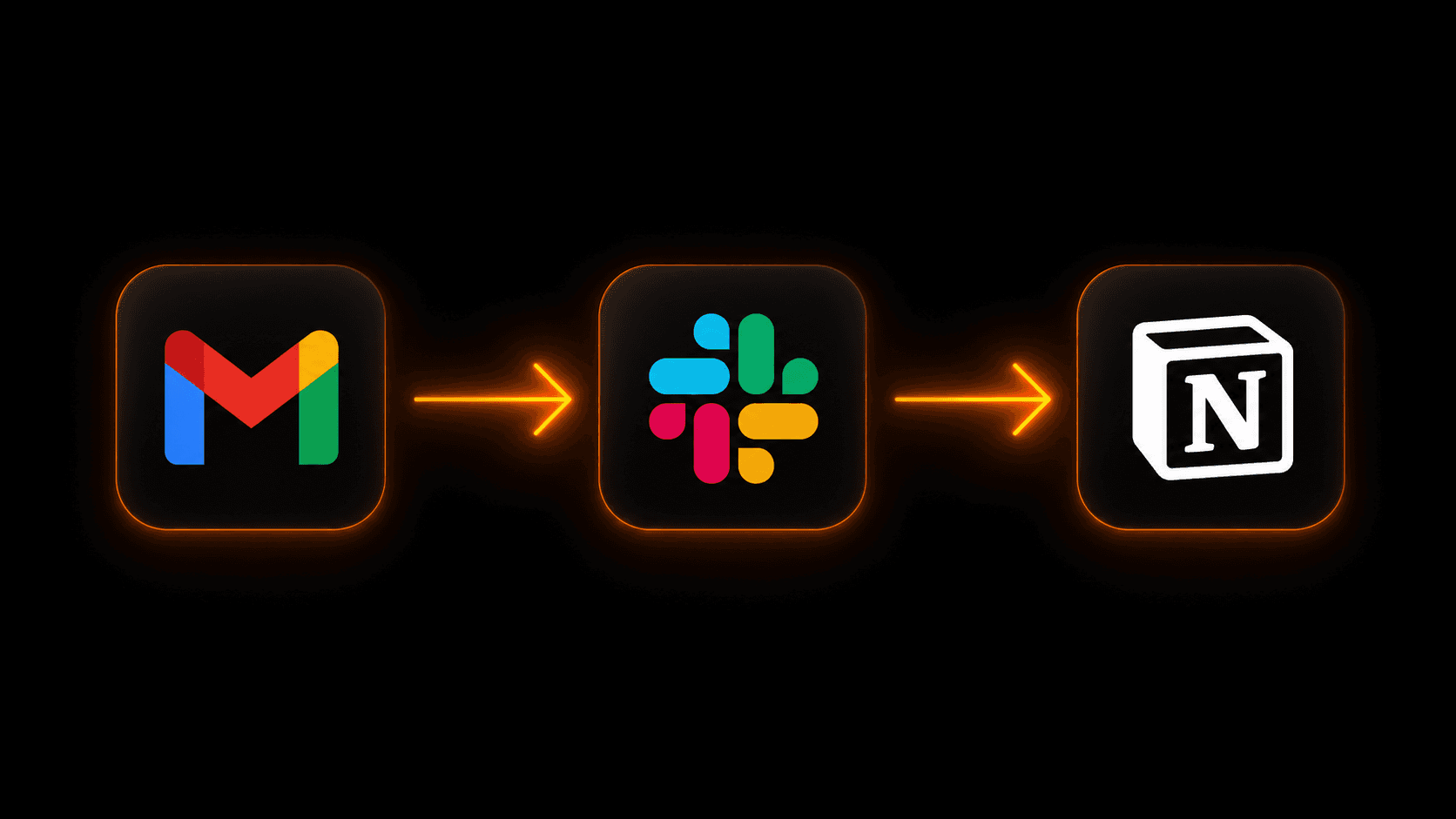
A simple 3-app automation: Gmail triggers a Slack alert and logs to Notion
How does workflow automation actually work?
Every workflow has three core parts:
- Trigger — the event that starts everything. This could be a new email, a form submission, a new row in a spreadsheet, a webhook from an app, or even a schedule (like “every Monday at 9am”).
- Actions — what happens next. Send a message, create a record, update a field, call an API, generate AI content, wait for a human to approve — anything.
- Conditions — optional logic that routes your workflow. If a lead scores above 7, alert sales. If below 7, send a nurture email instead.
Modern platforms like Vendarwon Flow let you build these workflows just by describing them in plain English. You type “When I get a new email from a client, send their name and subject to Slack and log it in Notion” — and the AI builds the entire workflow for you.
What can you automate?
Almost anything that involves moving data between apps or repeating the same steps. The most common workflows businesses build:
- Email triage and notification routing
- CRM data entry from emails, forms, and chats
- E-commerce order alerts and fulfillment updates
- Lead scoring and sales follow-up sequences
- Weekly report generation and distribution
- Client onboarding sequences
- Social media scheduling and cross-posting
- Invoice creation and payment tracking
- Support ticket routing and escalation
- Internal approval workflows
Workflow automation vs manual work — the numbers
Research consistently shows that knowledge workers spend between 20–40% of their time on tasks that could be automated. For a 5-person team, that's the equivalent of 1–2 full-time employees doing work a computer could handle.
The ROI is immediate. A workflow that takes 30 minutes to build but saves 2 hours per week pays for itself in the first week and keeps saving time forever.
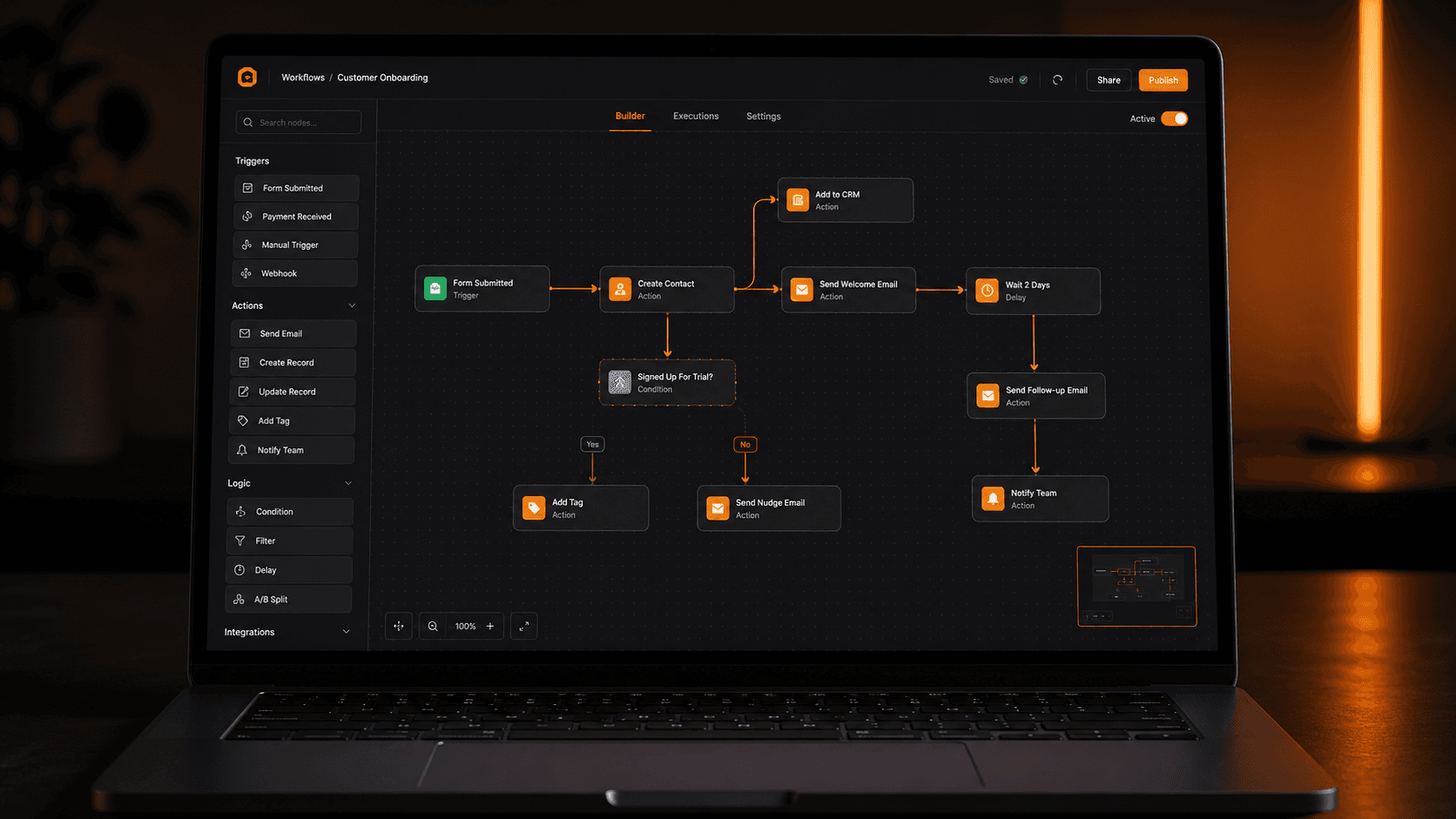
The Vendarwon Flow visual editor — workflows built from plain English descriptions
Traditional automation vs AI-powered automation
Older automation tools like Zapier and Make require you to manually configure every step — pick a trigger app, choose an action, map fields one by one. It works, but it's slow to build and painful to maintain.
AI-powered automation changes this entirely. With Vendarwon Flow, you describe what you want in plain English and the AI generates the entire workflow — including conditions, loops, error handling, and multi-step sequences. What used to take an hour now takes 60 seconds.
How to get started with workflow automation
- Pick one painful task. Don't try to automate everything at once. Start with the one thing you do every day that feels like a waste of time. Need ideas? See our list of 10 tasks you should automate today.
- Connect your apps. Most automation platforms including Vendarwon Flow support 40+ integrations — Gmail, Slack, Notion, HubSpot, Shopify, and more.
- Describe or build your first workflow. With Vendarwon Flow, just type what you want to happen. The AI handles the rest.
- Activate and monitor. Turn it on, let it run for a week, and check that it's working as expected.
- Build from there. Once you see the first workflow saving you time, you'll naturally spot 10 more things to automate.
Frequently asked questions
Do I need to know how to code to use workflow automation?
No. Modern tools like Vendarwon Flow are designed for non-technical users. You describe what you want in plain English and the AI builds the workflow for you.
How is workflow automation different from RPA?
RPA (Robotic Process Automation) mimics human actions on a screen — clicking buttons, filling forms. Workflow automation connects apps via APIs and is faster, more reliable, and easier to maintain. For most businesses, workflow automation is the right choice. Read the full breakdown: Workflow Automation vs RPA.
What apps can I connect?
Vendarwon Flow supports 42+ integrations including Gmail, Slack, Notion, HubSpot, Shopify, Google Sheets, Airtable, Discord, GitHub, and more. If an app has an API, it can be connected.
How much does it cost?
Vendarwon Flow has a free plan with 100 executions per month — enough to test and run basic workflows. Paid plans start at $9/month for growing businesses.