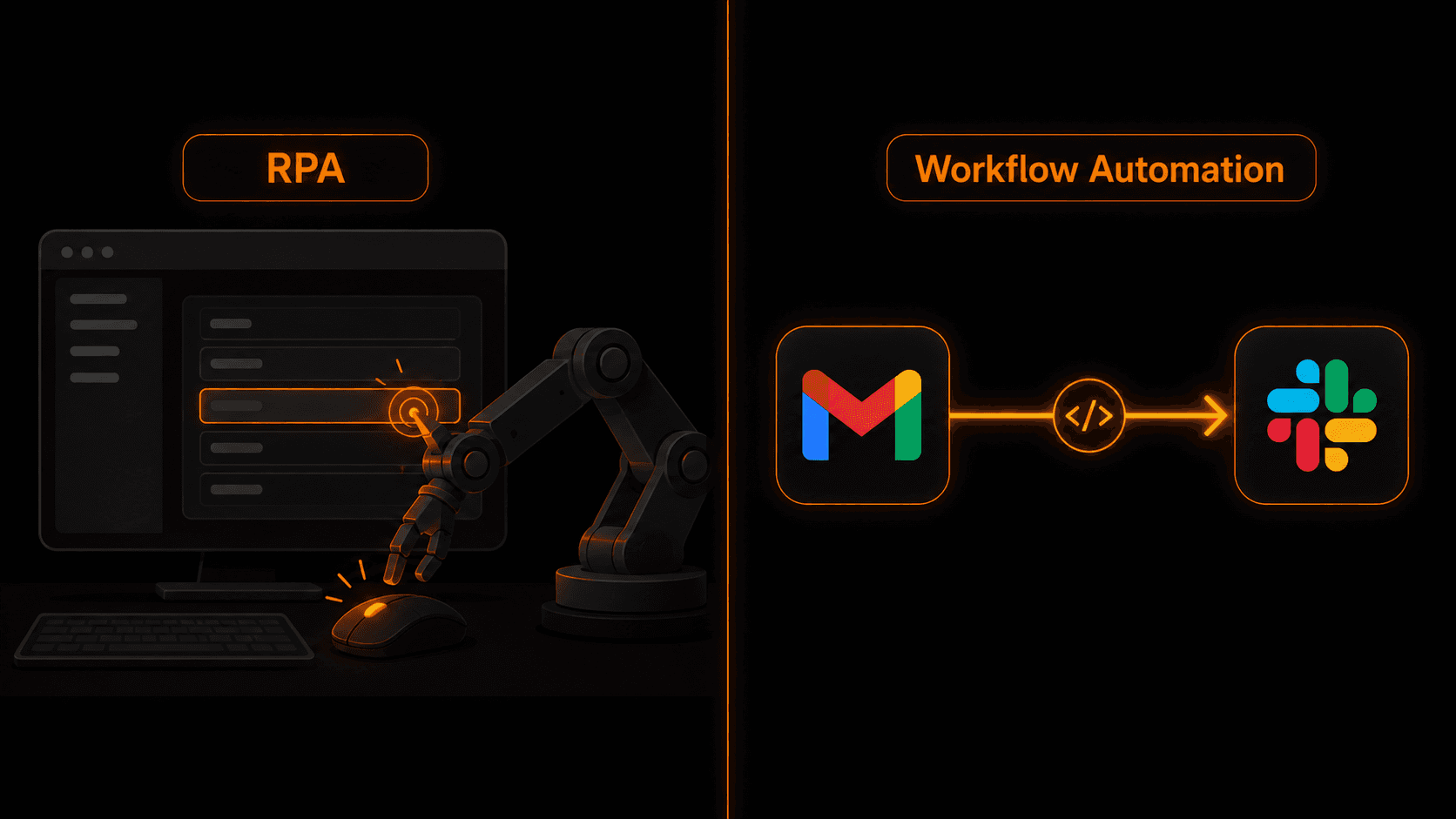
RPA and workflow automation both promise to eliminate manual work — but they do it in completely different ways. If you pick the wrong one, you'll spend more time maintaining it than you ever saved. Here's how to tell them apart.
The simple version
Workflow automation connects apps via APIs. It moves data between systems automatically when a trigger occurs — no human clicking required.
RPA (Robotic Process Automation) mimics a human using a computer. It opens apps, clicks buttons, reads screens, fills forms — exactly as a person would, but automatically.
Both automate work. The difference is where they operate. Workflow automation works at the API level — behind the UI. RPA works at the UI level — on top of it.
How RPA works
RPA tools (UiPath, Automation Anywhere, Blue Prism) record and replay human interactions with software. A “bot” launches an app, navigates to a screen, reads values, fills in fields, clicks submit — and moves on to the next task.
This sounds powerful, and for certain use cases it is. The problem: RPA bots are brittle. If a vendor updates their UI, renames a button, or changes where a field sits on the screen — your bot breaks. And fixing it requires a developer.
RPA was designed for enterprises using legacy software that doesn't have an API. Think: aging ERP systems, government portals, old insurance platforms. Software where there's literally no other way to extract data except reading the screen.
How workflow automation works
Workflow automation tools (Vendarwon Flow, Zapier, Make) communicate with apps through their official APIs. When a trigger fires — a new email, a form submission, a webhook — the platform sends and receives structured data directly between systems.
Because APIs are stable and versioned, workflow automations are far more reliable. When Gmail updates their UI, your automation doesn't care — it's talking to the API, not the interface.
Setup is also faster. With Vendarwon Flow, you describe the workflow in plain English and the AI builds it in seconds. There's nothing to record, no screen to map, no brittle selectors to maintain.
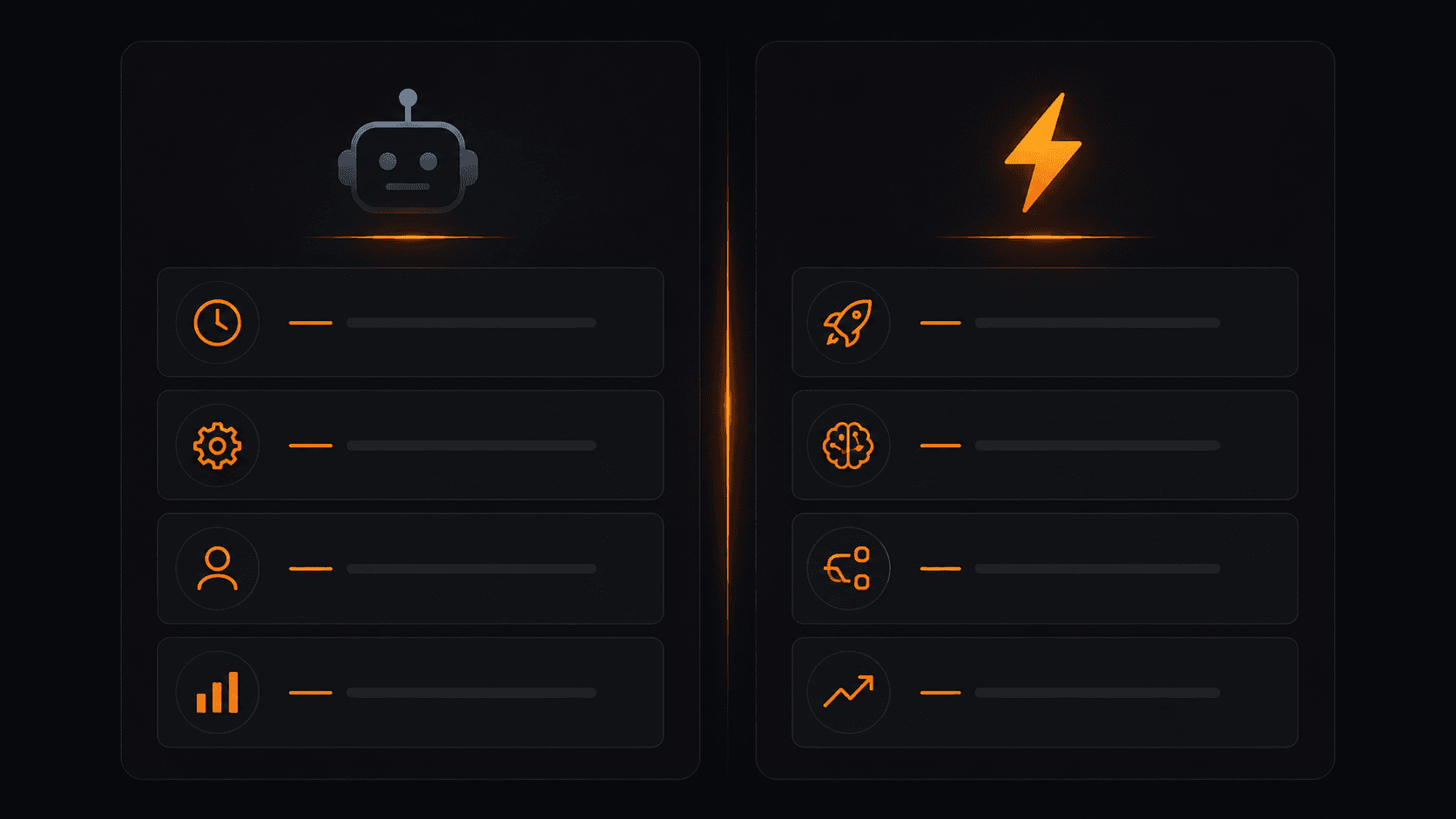
RPA vs workflow automation — feature by feature.
RPA vs workflow automation — side by side
- How it works: RPA mimics UI clicks / Workflow automation uses APIs
- Setup time: RPA takes days to weeks / Workflow automation takes minutes
- Maintenance: RPA breaks when UIs change / Workflow automation is stable
- Cost: RPA platforms cost $10K–$100K+/year / Workflow automation starts free
- Technical skill required: RPA needs developers / Workflow automation is no-code
- Best for: RPA suits legacy systems without APIs / Workflow automation suits modern SaaS tools
- AI integration: RPA has limited AI support / Workflow automation supports AI nodes natively
- Scalability: RPA is expensive to scale / Workflow automation scales with usage
When RPA is the right choice
RPA makes sense when:
- You're working with legacy software that has no API (old ERP systems, government portals, proprietary platforms)
- Your enterprise IT team won't allow API integrations for security reasons
- The process involves multiple legacy desktop applications that must interact
- You have a large IT budget and dedicated automation team
Outside of these cases, RPA is overkill — expensive, fragile, and slow to implement compared to modern workflow automation.
When workflow automation is the right choice
Workflow automation is the right choice for the vast majority of businesses in 2026:
- You use modern SaaS tools (Gmail, Slack, HubSpot, Shopify, Notion, etc.)
- You want to automate without IT involvement or technical staff
- You need to build and iterate quickly
- You want to include AI nodes — email classification, lead scoring, content generation
- You need reliable automations that won't break every time an app updates
The verdict
If you're a small or mid-size business using modern cloud software, workflow automation is the right choice — full stop. It's faster to build, cheaper to run, easier to maintain, and supports AI natively.
RPA has its place, but it's a workaround for software that was built before APIs existed. If your tools have APIs (and most modern tools do), use workflow automation.
Frequently asked questions
Can RPA and workflow automation be used together?
Yes. Some enterprises use RPA to extract data from legacy systems and feed it into workflow automation platforms via webhooks. The two aren't mutually exclusive — but for most SMBs, workflow automation alone is enough.
Is Zapier considered RPA?
No. Zapier, Make, and Vendarwon Flow are workflow automation platforms — they use APIs, not UI scraping. RPA tools are a separate category designed for UI-level automation.
What does RPA cost compared to workflow automation?
Enterprise RPA platforms like UiPath and Automation Anywhere typically cost $15,000–$100,000+ per year. Workflow automation platforms like Vendarwon Flow start free and scale to a few hundred dollars per month for high-volume usage.
Do I need a developer for workflow automation?
No. Vendarwon Flow is designed for non-technical users — you describe what you want in plain English and the AI builds the workflow. No code required at any step.