
You don't need a developer, a technical background, or a budget for custom software. Today, any business owner can automate repetitive work in minutes — just by describing what they want in plain English.
Why most businesses still do things manually
The biggest reason businesses haven't automated yet isn't cost — it's the assumption that automation requires code. That was true five years ago. It's not true anymore.
Modern AI-powered automation platforms let you describe a workflow the same way you'd explain a task to a new employee. The AI figures out the technical details. You just describe the outcome you want.
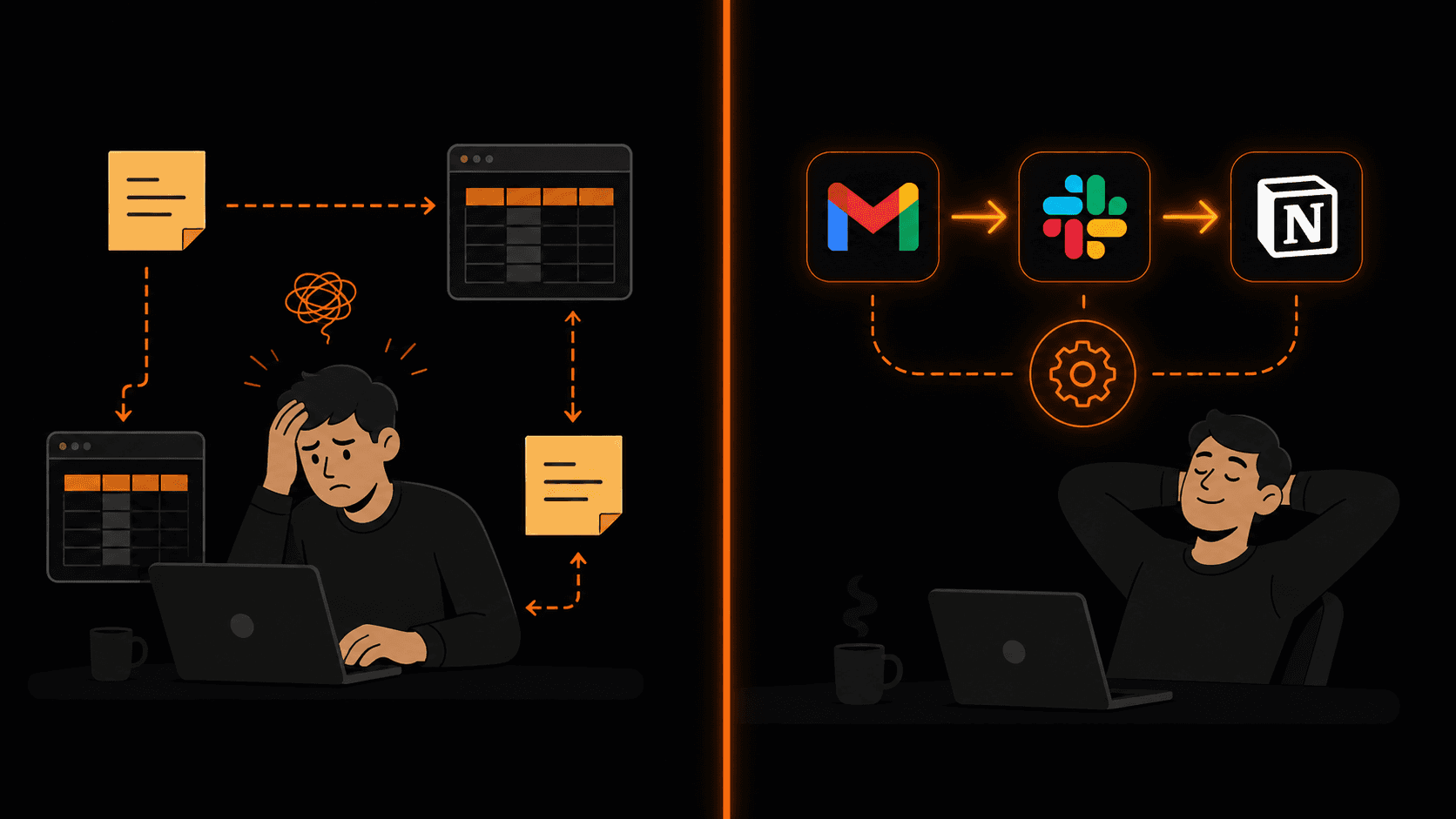
Left: manual chaos. Right: the same work handled automatically.
What “no-code automation” actually means
No-code automation means building workflows that connect your apps and trigger actions automatically — without writing a single line of code. Instead of programming logic, you use a visual interface or plain English to define what should happen and when.
For example, instead of writing an API integration between Gmail and HubSpot, you just say: “When I receive an email from a new contact, add them to HubSpot and send a welcome email.” The platform handles everything else.
The 5 most impactful automations for any business
1. Lead capture and CRM entry
Every time someone fills out a form, sends an email, or books a call — their details should automatically land in your CRM. No manual copying, no missed leads. Set it up once and it runs forever.
2. Email triage and notifications
Route important emails to the right person or channel automatically. Client emails go to Slack. Support requests create tickets. VIP contacts get flagged immediately. You stop being the middleman.
3. Order and payment alerts
Every new Shopify order, invoice payment, or subscription signup triggers an instant notification to your team — in Slack, by email, or via SMS. No one needs to manually check dashboards.
4. Weekly reporting
Pull data from Google Sheets, your CRM, and your analytics platform every Friday, format it, and email it to stakeholders automatically. Your Monday morning report writes itself.
5. Client onboarding
When a new client signs, trigger a sequence: send a welcome email, create a Notion page, schedule an onboarding call, and add them to your project management tool — all without touching a keyboard.
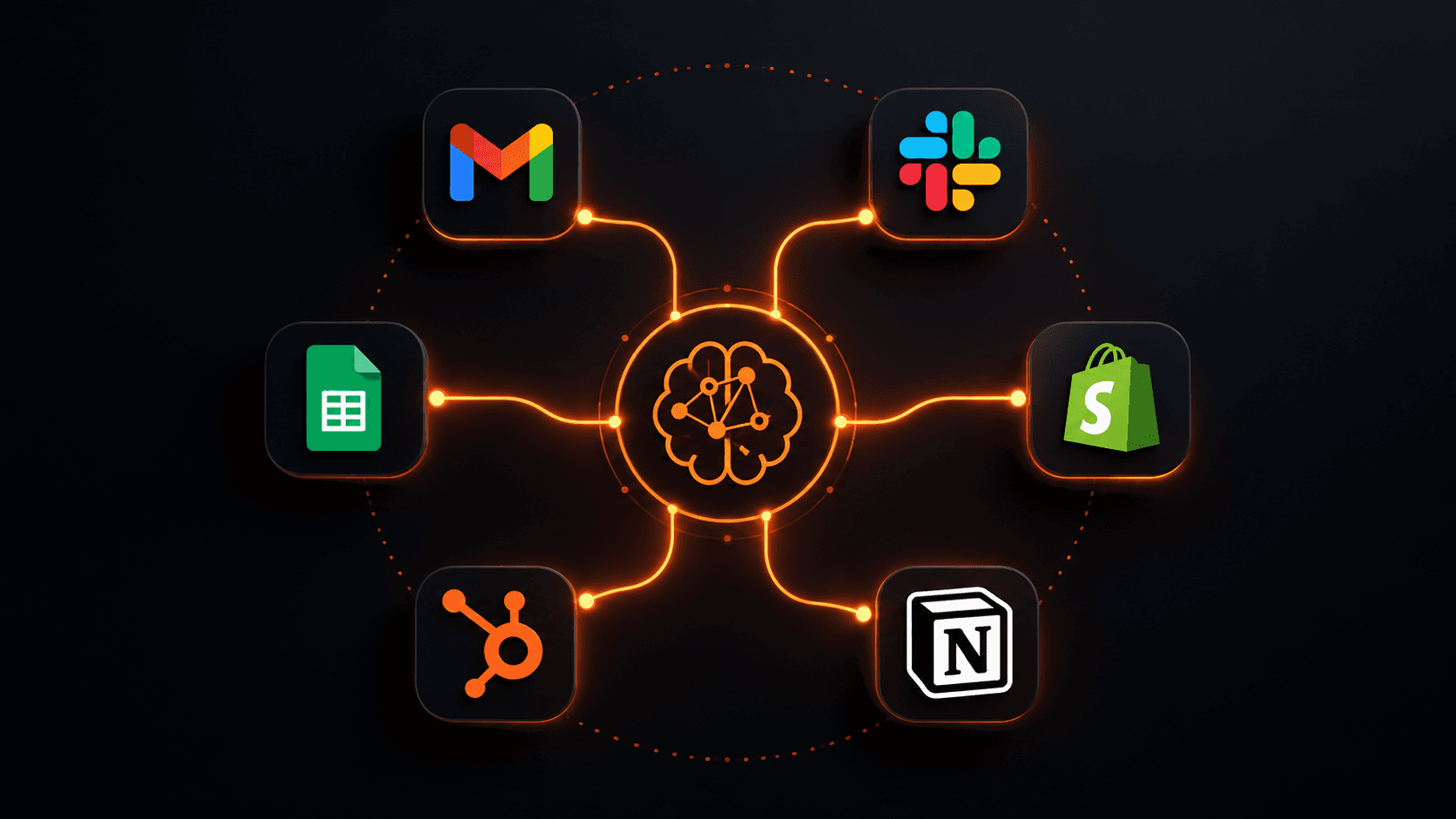
One automation hub connecting all your tools — no code required.
How to build your first automation in plain English
With Vendarwon Flow, the process is:
- Connect your apps. Authorize Gmail, Slack, HubSpot, Shopify — whatever tools you use. Takes about 2 minutes per app.
- Describe your workflow. Type what you want in plain English: “When a new Shopify order comes in, send the customer name and order total to #orders in Slack.”
- Review the generated workflow. The AI builds it as a visual flowchart. You can see every step and adjust anything that doesn't look right.
- Activate. One click. The workflow runs automatically from now on.
Common objections — answered
“My business is too unique to automate.”
Every business that has email, a CRM, or any kind of repetitive data entry can benefit from automation. The workflows don't need to be complex — even a single automation that saves 30 minutes a day adds up to 120+ hours a year.
“What if something breaks?”
Good automation platforms include error handling and notifications. If a step fails, you get alerted immediately. You can also build error branches — alternative paths the workflow takes if something goes wrong.
“I don't have time to set this up.”
With AI-powered tools, most simple workflows take under 5 minutes to build. The time you invest in setup is returned in the first week — and every week after that.
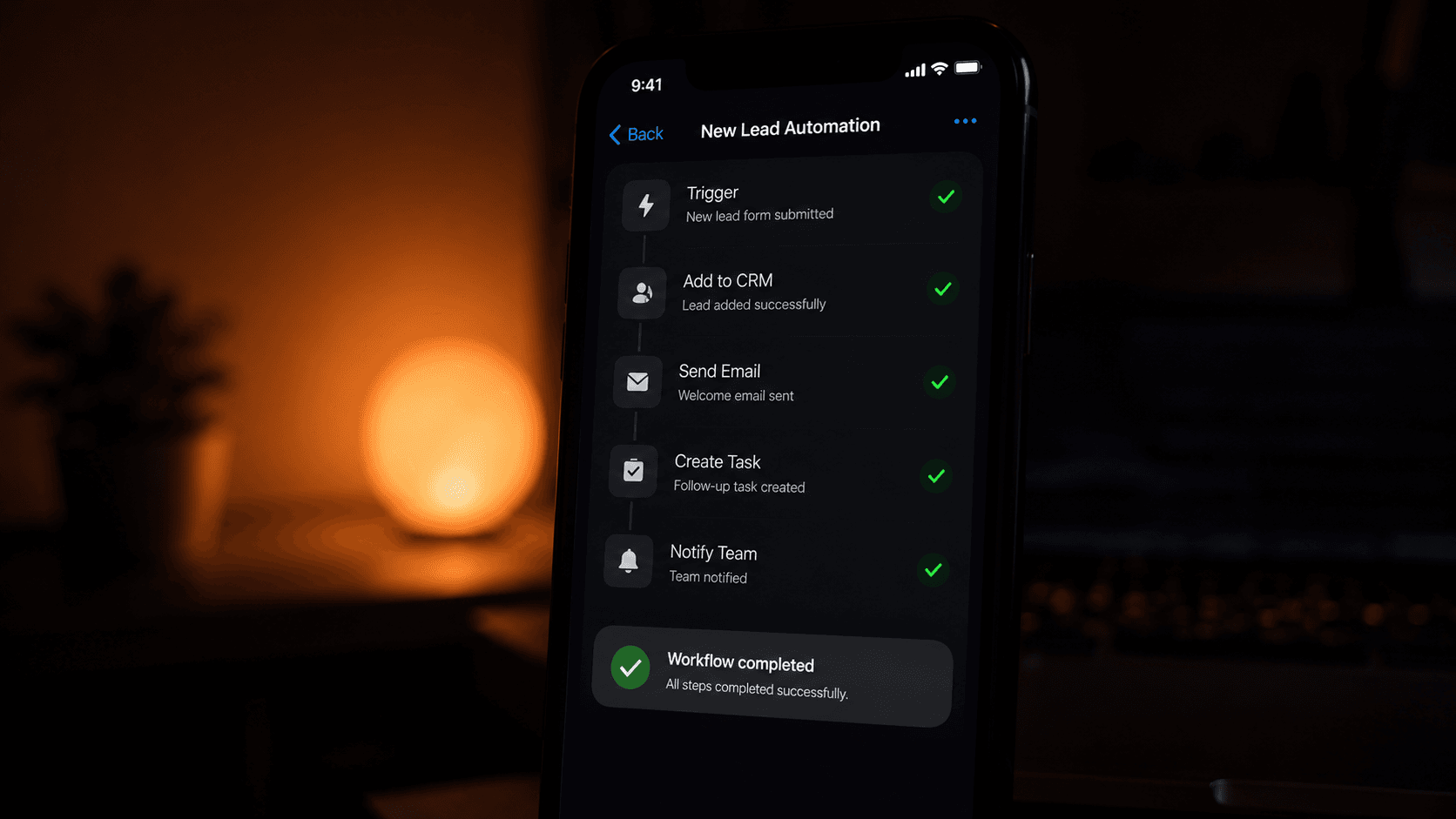
Your workflows run in the background and notify you when they're done.
Where to start today
Pick the one task in your business that you do every single day and wish you didn't have to. Chances are it can be automated in under 10 minutes. Start there, get a quick win, and build from confidence.
Vendarwon Flow is free to start — 100 executions per month, no credit card required. Describe your first automation and see it built in real time.
Frequently asked questions
Do I need any technical skills?
None. If you can write a sentence explaining what you want, you can build an automation on Vendarwon Flow.
Which apps are supported?
Vendarwon Flow supports 42+ integrations including Gmail, Slack, Notion, HubSpot, Shopify, Google Sheets, Airtable, GitHub, Discord, and more.
How is this different from Zapier?
Zapier requires you to manually configure every step. Vendarwon Flow uses AI to generate the entire workflow from a plain English description — it's significantly faster to build and supports more complex logic like conditions, loops, and AI nodes out of the box.
What if I need a workflow that isn't supported?
You can use the HTTP Request integration to connect to any app with an API, or build a custom integration using the Custom Integration builder on the Scale plan.