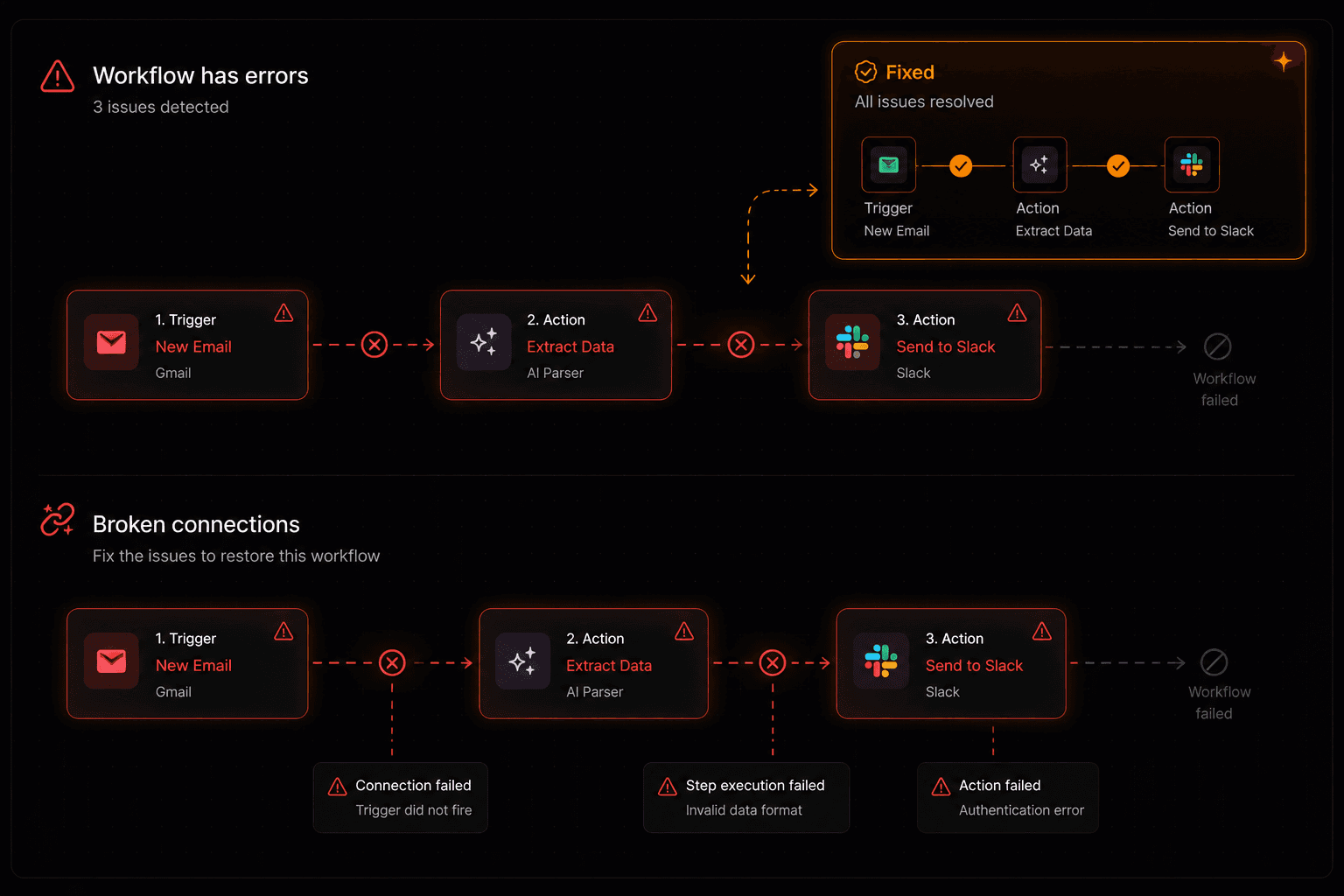
Workflow automation saves enormous amounts of time when done right — and creates new headaches when done wrong. After watching hundreds of automations fail in predictable ways, the same seven mistakes keep coming up. Here's what they are, why they happen, and how to avoid them from day one.
Mistake 1: Over-engineering your first workflow
The problem: Most people hear “automation” and immediately imagine a 20-step system that handles every edge case. They spend days designing the perfect workflow and never ship it — or ship something so complex it breaks immediately.
The fix: Start with the smallest useful version. If you want to automate lead handling, your first workflow should be: “New form submission → create HubSpot contact → notify Slack.” That's it. Get it working. Add complexity only when the simple version is proven. On Vendarwon Flow, this takes less than 5 minutes to build and activate.
Mistake 2: No error branches
The problem: What happens when an API call fails? When an email bounces? When the data coming through doesn't match what you expected? Workflows without error handling silently fail — and you don't find out until something important was missed.
The fix: Add error edges to every critical action node. In Vendarwon Flow, any node can have an “error” edge that routes to a fallback — send a Slack alert, log to a spreadsheet, or notify you by email. The rule: if you'd be upset if this step silently failed, it needs an error branch.
Mistake 3: Ignoring rate limits
The problem: Your workflow runs beautifully on 10 test executions. Then you activate it and it processes 500 contacts in 30 minutes — hitting Gmail's sending limit, getting your IP flagged, and triggering API throttle errors on HubSpot.
The fix: Know the limits of every integration you use before you run at scale. Gmail allows ~500 emails per day for regular accounts, more for Google Workspace. Most CRM APIs throttle at 100 requests per 10 seconds. Add delay nodes between batch operations, and test with realistic volumes before going live. Vendarwon Flow enforces per-integration rate limits automatically, but it's still worth understanding the limits of each service you connect.
Mistake 4: Hardcoding values that change
The problem: You build a workflow that sends emails from your personal address, hardcoded. Six months later you switch email providers and the workflow breaks. Or you hardcode a Slack channel name that gets renamed. Or you put your API key directly in a node config and then rotate the key.
The fix: Use template variables and integration credentials for anything that might change. In Vendarwon Flow, use {{trigger.payload.FIELD}} for data from the trigger, and store all API credentials through the integrations panel — not directly in node configs. This way, when credentials change, you update them in one place and every workflow that uses them updates automatically.
Mistake 5: No human approval step for critical actions
The problem: An automation deletes a CRM contact. Or sends a contract to the wrong email. Or posts a draft message to a public channel. Without a human checkpoint, you can't undo it — and you only find out after the damage is done.
The fix: Add approval nodes before any irreversible action. Vendarwon Flow supports human-in-the-loop approval natively — the workflow pauses, sends an approve/reject link via email or Slack, and waits for your decision before continuing. It takes 30 seconds to add to any workflow and can save you from catastrophic mistakes. Use it for: deleting records, sending external-facing emails, making payments, or any action you'd regret getting wrong.
Mistake 6: Running automations on untested integrations
The problem: You connect a new app, build a workflow that depends on it, activate it — and discover the integration doesn't return the fields you expected, or the OAuth token expires after 24 hours, or the API requires a different payload format than what your workflow sends.
The fix: Always test integrations with real data before activating a production workflow. On Vendarwon Flow, use the test webhook button to fire a real trigger payload and trace exactly what each node receives and returns. Check: what does the output actually look like? Which fields are present? What happens on failure? Spending 10 minutes testing saves hours of debugging later.
Mistake 7: Not monitoring executions
The problem: You build a workflow, it works for the first week, and you forget about it. Three months later you realize it's been silently failing for 6 weeks — because an API changed, a credential expired, or a data format shifted. You've lost hundreds of leads, missed dozens of notifications, or sent the wrong message to thousands of customers.
The fix: Check your execution logs regularly. On Vendarwon Flow, every execution is logged with its status (completed / failed / waiting), the input it received, and the output of every node. Set up a meta-workflow that alerts you if any workflow hasn't run successfully in the expected time window. Treat automation monitoring the same way you treat monitoring any other system — it needs attention to stay healthy.
The automation checklist
Before activating any workflow, run through these:
- Did I start with the simplest version that delivers real value?
- Does every critical node have an error branch?
- Have I checked the rate limits of every integration I'm using?
- Are there any hardcoded values that could break when something changes?
- Should any actions be gated behind a human approval step?
- Have I tested with real data — not just with mock inputs?
- Do I have a way to be alerted if this workflow stops running?
Build automation that actually works
Vendarwon Flow includes error branches, approval nodes, and execution monitoring out of the box — so the common mistakes are built-in safeguards, not afterthoughts.
Start building →