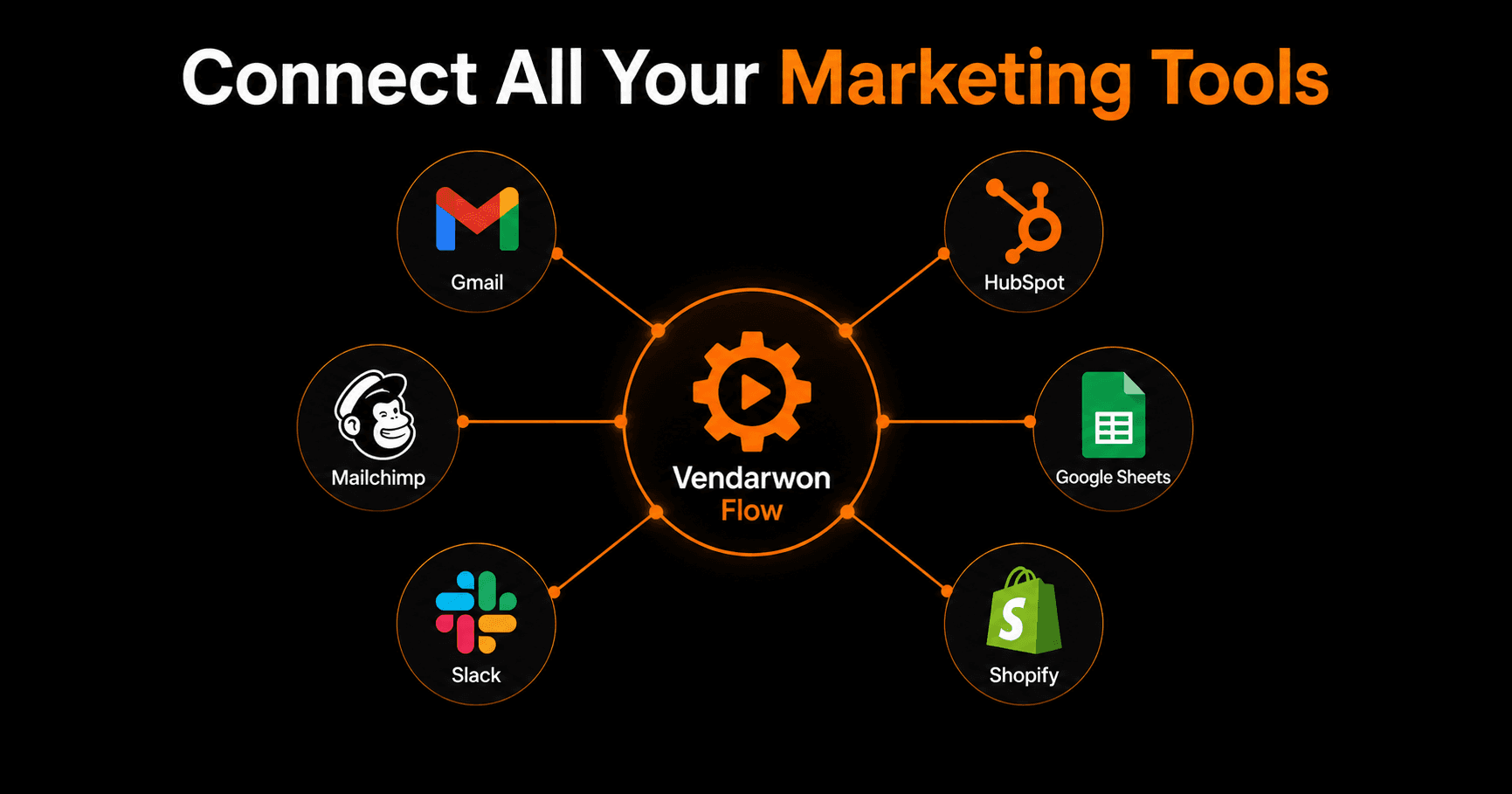
The average marketing team uses 12 different tools. Those tools generate data in 12 different places — and none of them talk to each other by default. The result: hours of manual data transfers, delayed decisions, and leads falling through the cracks between systems. Connecting your marketing stack without code eliminates all of that.
Why disconnected tools are costing you
When your CRM doesn't know what your email platform knows, you send nurture emails to people who already bought. When your ad platform doesn't know who converted, you waste budget retargeting existing customers. When your analytics dashboard doesn't pull from your actual sales data, you make decisions based on vanity metrics.
The hidden cost isn't just the manual work — it's the decisions made with incomplete information. A connected stack isn't a nice-to-have. It's how you compete with businesses 10x your size.
The hub-and-spoke model
The simplest way to connect multiple tools is to treat your automation platform as the hub. Instead of connecting every tool to every other tool (which creates an unmaintainable web of integrations), each tool connects to the hub, and the hub routes data wherever it needs to go.
This is exactly how Vendarwon Flow works. Your CRM fires an event → Vendarwon Flow receives it → routes data to your email platform, your Slack channel, your Google Sheet, and your analytics tool simultaneously.
The 6 connections every marketing team needs
1. CRM → Email platform
When a new contact is added to HubSpot, Pipedrive, or Close CRM, automatically subscribe them to the right email sequence in Mailchimp, ConvertKit, or ActiveCampaign. Tag them based on lead source, deal stage, or contact type so they receive the right content.
2. Form submissions → CRM + email
When someone fills out your contact form or downloads a lead magnet, the lead should appear in your CRM instantly and receive a welcome email within seconds. With manual processes this takes hours — or gets forgotten entirely.
3. E-commerce → Email platform
When someone buys from Shopify, they should be automatically segmented in your email tool as a customer and removed from prospect sequences. New customers should enter an onboarding sequence; repeat customers should enter a loyalty sequence.
4. Email engagement → CRM
When a lead opens an email three times or clicks your pricing page link, that's a buying signal your sales team needs to know about immediately. Route that signal to your CRM as an activity and send a Slack notification to the account owner.
5. All conversions → Google Sheets
Build a master conversion tracker by routing every form submission, purchase, email signup, and demo booking into a single Google Sheet. This becomes your single source of truth for marketing performance that every tool can contribute to.
6. Customer support → CRM
When a customer submits a support ticket, automatically create a note on their CRM contact. When the ticket is resolved, send them a satisfaction survey. When they churn, add them to a win-back sequence.
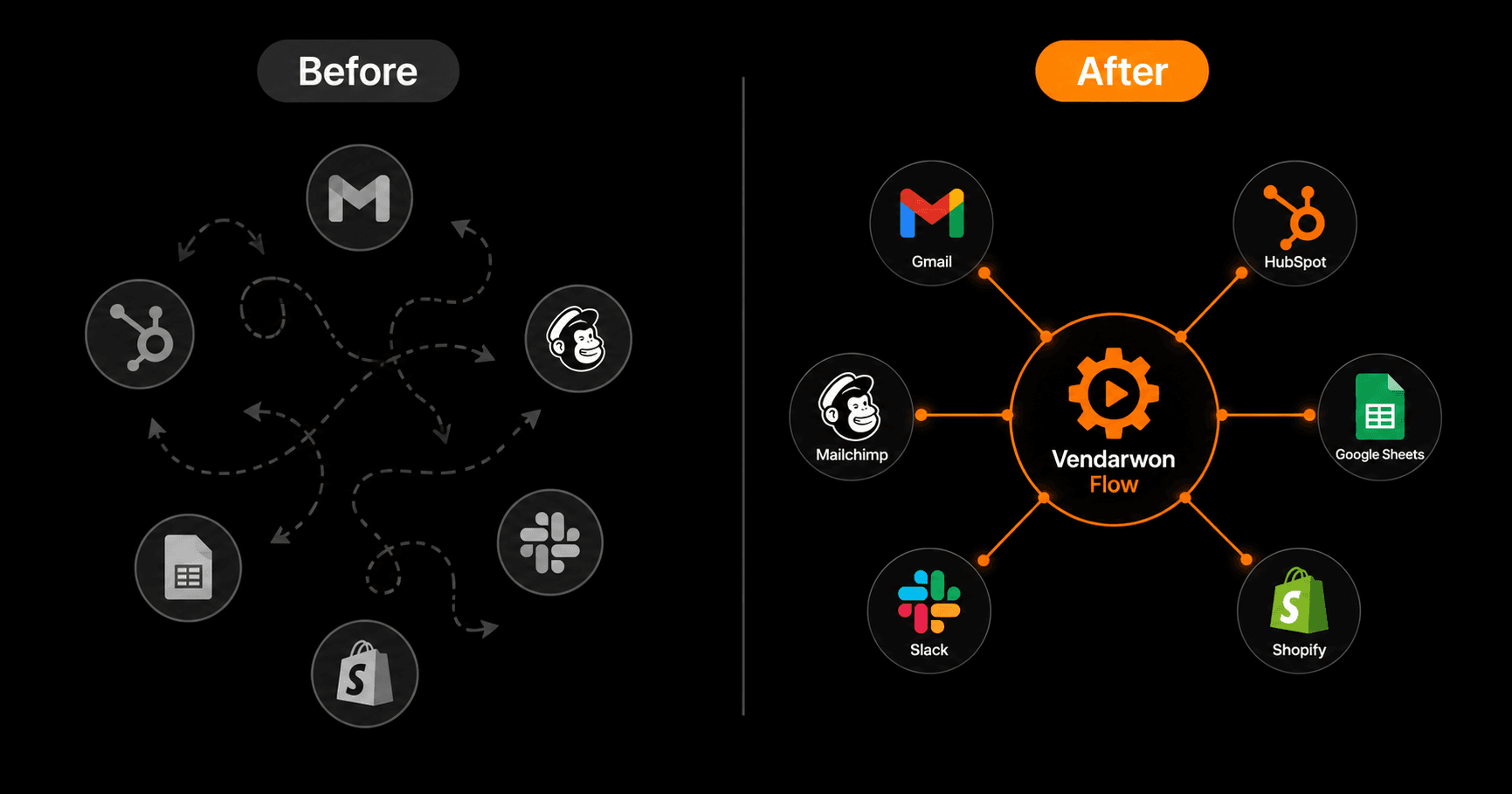
Before vs. after: from disconnected silos to a unified marketing stack
How to build your first integration in Vendarwon Flow
- Go to Integrations. Connect the tools you want to link — HubSpot, Mailchimp, Slack, Google Sheets, Shopify, whatever you use. Each takes under 2 minutes to authorize.
- Create a new workflow. Click “New Workflow” and describe what you want: “When a new contact is added to HubSpot, add them to the Prospects list in Mailchimp and post their name and company to #new-leads in Slack.”
- Vendarwon Flow generates the workflow. AI builds the nodes, sets the trigger, configures the actions. Review it in the visual editor.
- Test with a real record. Add a test contact to HubSpot and watch it flow through in real time via the Executions tab.
- Activate. Turn the workflow on. It runs continuously — every new contact gets processed automatically, forever.
Tools Vendarwon Flow connects natively
You can connect all of these without writing a single line of code or paying a developer:
- CRM: HubSpot, Pipedrive, Close CRM
- Email marketing: Mailchimp, ConvertKit, ActiveCampaign, Klaviyo, Beehiiv, SendGrid, Resend
- Productivity: Notion, Airtable, Google Sheets, Google Calendar, Trello, Asana, ClickUp, Monday
- E-commerce: Shopify, WooCommerce, Gumroad
- Communication: Gmail, Slack, Discord, Telegram, Teams
- Development: GitHub, Linear, Jira
- AI: Gemini (for generating content, scoring leads, summarizing data within workflows)
Frequently asked questions
Do I need technical knowledge to connect my tools?
No. Vendarwon Flow uses plain English descriptions. You describe what you want — “when X happens in tool A, do Y in tool B” — and the AI generates the workflow. The only technical step is authorizing each tool with OAuth, which takes about 30 seconds per tool.
What if a tool I use isn't listed?
If your tool has an API, you can connect it using the HTTP Request node. Send a custom API call to any endpoint with any headers, body, and authentication — no code required, just configure the request in the workflow editor.
How do I make sure data syncs correctly?
Build your workflow, then test it with a real record. Use the Executions tab to inspect exactly what data flowed through each step. If something is mapped incorrectly, you can edit the template variables (“{{trigger.payload.email}}”) directly in the workflow editor.
What happens if one of my tools has an outage?
Vendarwon Flow retries failed steps automatically. If an API call to HubSpot fails because HubSpot is down, the workflow retries with exponential backoff and logs the failure. You can rerun failed executions once the tool is back online.