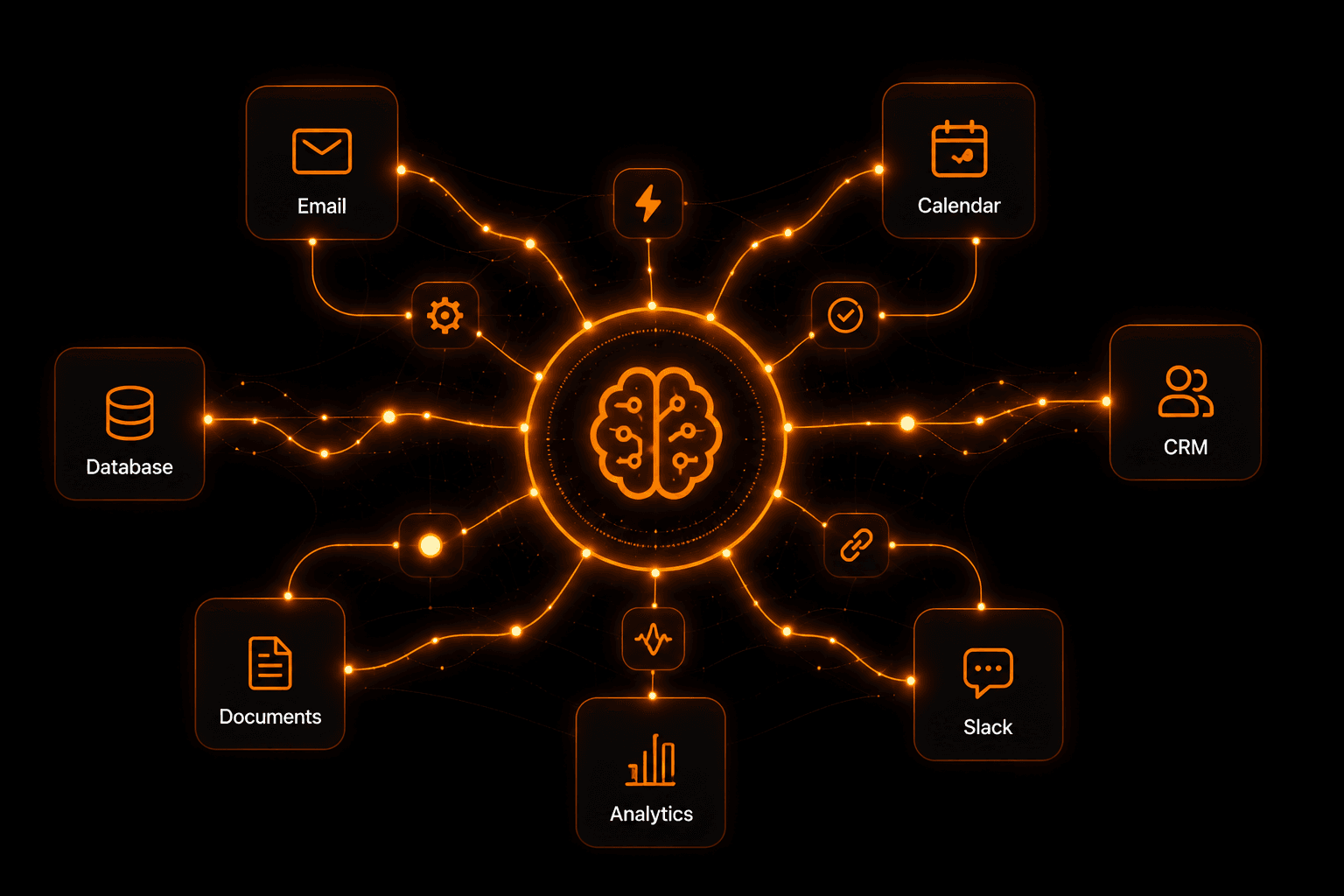
AI workflow automation is the fastest-growing category in business software — and for good reason. It combines the reliability of traditional automation with the intelligence of AI, letting you build systems that don't just follow rules but actually understand context, make decisions, and handle exceptions. This guide covers everything you need to know to get started in 2026.
What is AI workflow automation?
AI workflow automation is the use of artificial intelligence to design, run, and improve automated workflows that connect your apps, process information, and trigger actions — all without manual intervention. Unlike traditional automation that rigidly follows predefined rules, AI workflow automation can read unstructured data, understand intent, score inputs, generate text, and adapt its path based on what it “reads.”
The simplest definition: it's automation that can think. Instead of “if email subject contains URGENT, forward to manager”, an AI workflow reads the full email, determines its urgency and intent, scores the sender's history, and decides the right action — all automatically.
AI workflow automation vs traditional automation
Traditional automation tools like Zapier or Make.com are “if-this-then-that” engines. They're powerful for simple, predictable data flows. But they break down when:
- Inputs are unstructured (email body text, PDF attachments, customer messages)
- Decisions require context or nuance (“is this lead high-value?”)
- Outputs need to be generated, not just moved (drafting a reply, summarizing a report)
- Exceptions are common and hard to pre-define
AI workflow automation handles all of these. The AI node reads content, generates output, and routes the workflow based on what it found — not just what field matched a pattern.
The 6 key components of an AI workflow
1. Triggers
Every workflow starts with a trigger — the event that fires the automation. Common triggers include new emails, form submissions, webhook calls, scheduled times (every Monday 9am), new rows in a spreadsheet, or incoming Slack messages. On Vendarwon Flow, you can trigger workflows from 42+ sources including Gmail, Shopify, HubSpot, GitHub, and more.
2. Actions
Actions are what the workflow does after the trigger fires. Send an email, create a CRM record, post to Slack, update a spreadsheet row, call an API, or run a script. You can chain as many actions as needed and they run in sequence automatically.
3. Conditions
Conditions let your workflow make decisions. “If lead score > 7, notify sales. Otherwise, add to nurture sequence.” Conditions branch the flow into two or more paths based on data values, AI outputs, or any field in your workflow context.
4. AI Nodes
This is what separates AI workflow automation from traditional tools. An AI node can read a customer email and extract sentiment, score a lead 1–10, draft a personalized reply, classify a support ticket by category, summarize a document, or generate a weekly report — all using Gemini AI, triggered automatically mid-workflow.
5. Loops
ForEach loops let your workflow iterate over a list. Process every new order, every row in a CSV, every contact in a segment. Each iteration runs the full action sequence, and you can cap iterations to prevent runaway executions.
6. Human Approvals
For critical actions — sending a contract, deleting a record, approving a payment — you can pause the workflow and send an approve/reject link to a human. The workflow waits, then continues on the decision. Vendarwon Flow supports approval notifications via email or Slack.
Top use cases across industries
Sales & CRM
- AI scores inbound leads and routes high-value ones to sales immediately
- New form submissions auto-create CRM contacts with enriched data
- Follow-up email sequences triggered by lead inactivity
- Deal stage changes trigger Slack notifications to the account owner
Customer Support
- AI classifies support tickets by intent and urgency
- Common questions answered automatically with personalized replies
- Complex issues routed to the right team with full context
- SLA breach alerts sent before deadlines are missed
Marketing
- Lead capture forms → email sequence → CRM entry — all automatic
- Webinar registrants nurtured with AI-personalized follow-ups
- Social mentions monitored and routed to the right team member
- Weekly campaign performance digests generated and sent by AI
Operations
- Invoice generation triggered by form submission or payment event
- Weekly reports pulled from Airtable, Sheets, and analytics — then emailed
- Contract renewal reminders triggered 30/60/90 days before expiry
- Multi-step approval workflows with audit trails
How to get started with Vendarwon Flow
Vendarwon Flow is built specifically for AI workflow automation. Instead of dragging nodes or configuring API connections manually, you describe your workflow in plain English and the AI builds it for you — including conditions, loops, AI nodes, and error handling.
- Sign up free — no credit card required. Free plan includes 100 executions/month.
- Connect your apps — authorize Gmail, Slack, HubSpot, or any of the 42+ integrations in under 2 minutes.
- Describe your workflow — type what you want: “When I get a new lead from my form, score them with AI, and if score > 7 notify sales in Slack, otherwise add to a nurture email sequence.”
- Review and activate — the AI generates the full workflow. Review each node, then click Activate.
- Monitor executions — every run is logged with inputs, outputs, and timing. Spot issues in seconds.
The ROI of AI workflow automation
The time savings from AI workflow automation are significant. Knowledge workers spend an estimated 20–40% of their time on tasks that can be automated. For a solo operator billing $100/hour, automating 10 hours/week of repetitive work frees up $1,000/week of productive time — from a $9/month subscription.
Beyond time savings, AI automation reduces errors (no more copy-paste mistakes), speeds up response times (leads contacted in seconds not hours), and scales without adding headcount. A single workflow can process 10,000 leads per month with the same accuracy as the first one.
Frequently asked questions
Do I need coding skills to build AI workflows?
No. Vendarwon Flow lets you describe workflows in plain English. The AI builds the technical structure, maps fields, and handles API connections automatically.
What's the difference between AI workflow automation and RPA?
RPA (Robotic Process Automation) mimics human actions on a screen. AI workflow automation connects apps via APIs and adds intelligence — reading content, making decisions, generating output. API-based automation is faster, more reliable, and easier to maintain than screen-scraping RPA.
How many automations can I run on the free plan?
The free plan includes 100 executions per month — enough to run several automations and see real results. Paid plans start at $9/month for 2,000 executions.
Can AI workflow automation replace employees?
It replaces repetitive tasks, not people. The goal is to free your team from copy-pasting data and sending template emails — so they can focus on work that actually requires human judgment and creativity.
Build your first AI workflow free
Describe what you want to automate in plain English. Vendarwon Flow builds the entire workflow — conditions, AI nodes, and all — in seconds.
Start building →