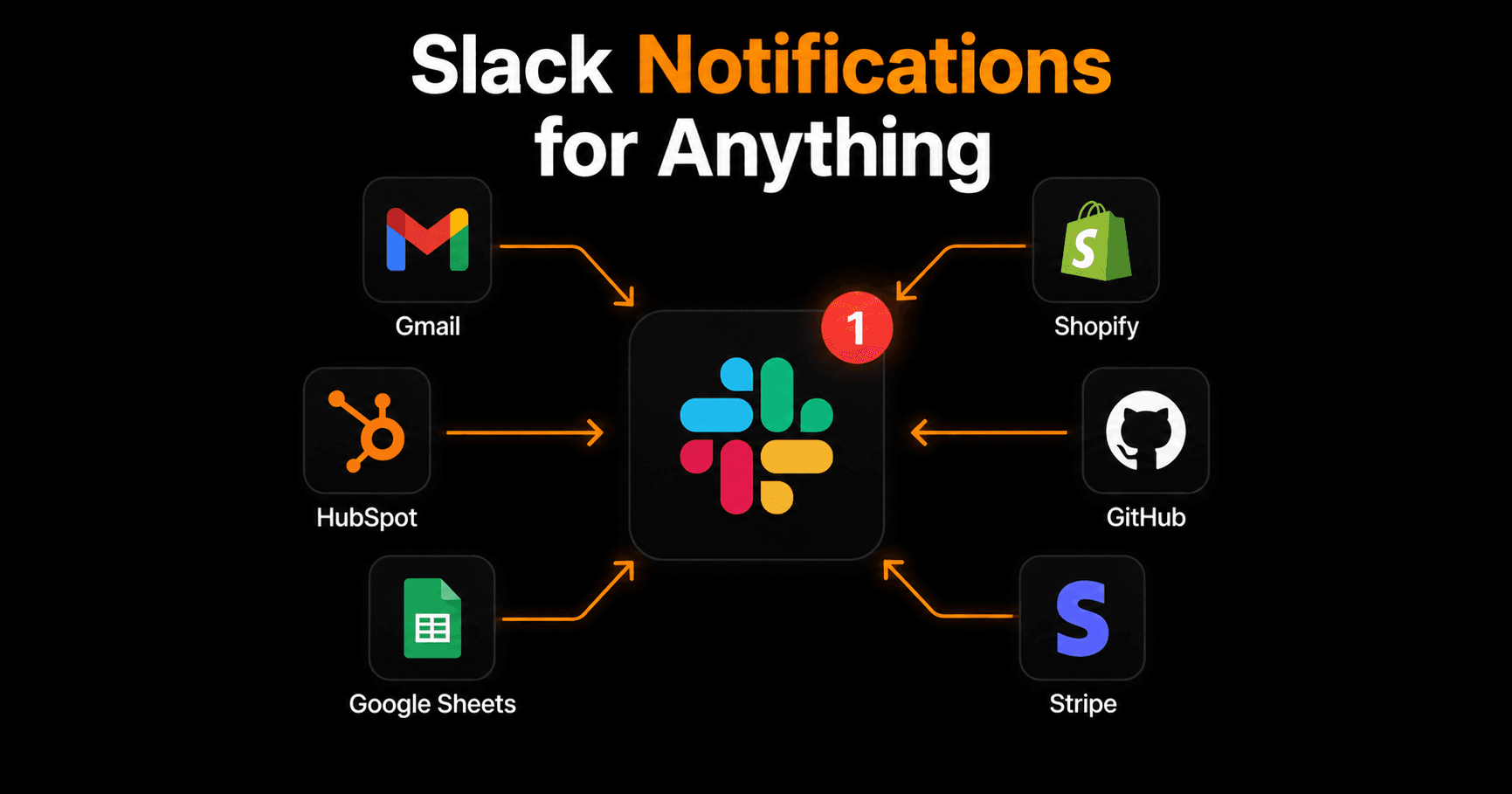
Slack is where your team lives. So when something important happens — a new order, a client email, a GitHub deploy, a HubSpot deal update — you want to know about it in Slack immediately. Here's how to wire up Slack notifications from any app, without writing a single line of code.
Why Slack notifications beat checking dashboards
Most tools have their own notification systems — Shopify emails you, HubSpot sends browser alerts, GitHub has its own feed. The problem: they're all in different places, and context-switching between dashboards kills focus.
Centralising notifications in Slack means one place to look. Your team sees what matters in real time, in the channel they're already in. No missed orders, no delayed responses, no “I didn't see that email.”
The most useful Slack notification automations
Gmail → Slack
When a new email arrives from a specific sender, domain, or matching a keyword — fire a Slack message instantly with the sender name, subject, and a preview of the body.
Use this for: client emails going to #clients, support requests going to #support, new inquiries going to #sales. Never miss an important email again.
Shopify → Slack
Every new Shopify order triggers an instant Slack message with the customer name, product, and order value. Your team knows about every sale the moment it happens — no one needs to check the Shopify dashboard.
HubSpot → Slack
When a deal moves to a new stage, a new contact is created, or a form is submitted — fire a notification to the relevant Slack channel. Sales team sees every new lead instantly. Manager sees every closed deal.
GitHub → Slack
New pull request opened, PR merged, issue created, deployment succeeded — all routed to your #engineering or #deployments channel automatically. Your team stays aligned without checking GitHub constantly.
Google Sheets → Slack
When a new row is added to a spreadsheet (from a form, a manual entry, or another automation), fire a Slack notification with the row contents. Useful for tracking shared task lists, budget approvals, or any sheet used as a lightweight database.
Stripe → Slack
New payment received, subscription started, or payment failed — real-time Slack alerts with the customer name and amount. Your team knows about every revenue event as it happens.
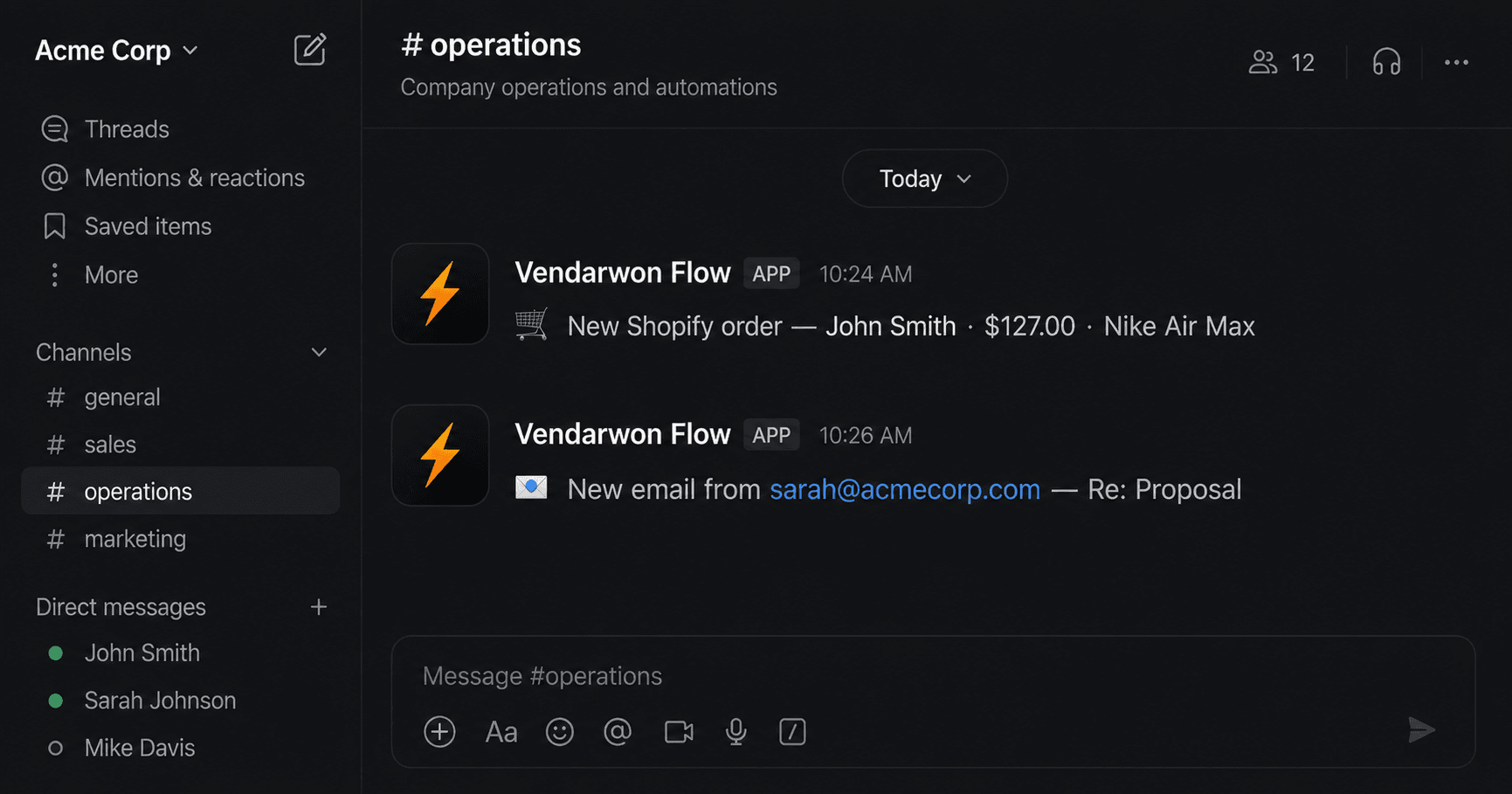
Real Slack notifications sent automatically by Vendarwon Flow — orders, emails, and more.
How to set it up in under 5 minutes
- Connect Slack. In Vendarwon Flow, go to Integrations and authorize your Slack workspace. Takes 30 seconds.
- Connect your source app. Authorize Gmail, Shopify, HubSpot, or whichever app you want notifications from.
- Describe the notification. Type: “When a new Shopify order comes in, send the customer name and order total to #orders in Slack.” The AI builds the workflow instantly.
- Choose your channel. Specify which Slack channel each notification goes to. You can send different event types to different channels.
- Activate. One click. Notifications start flowing immediately.
Formatting your Slack messages
Vendarwon Flow lets you customise exactly what appears in the Slack message. You can include any field from the trigger event using template variables:
- Order notification: “🛒 New order from {{trigger.payload.customer_name}} — {{trigger.payload.total}}”
- Email alert: “📧 Email from {{trigger.payload.from}} — {{trigger.payload.subject}}”
- Lead alert: “🔥 New lead: {{trigger.payload.name}} at {{trigger.payload.company}}”
Or just describe the format in plain English when building the workflow — “include the customer name, order total, and product name” — and the AI maps the fields for you.
Tips for keeping Slack clean
- Use dedicated channels per notification type — #orders, #leads, #alerts — rather than flooding #general
- Add AI filtering so only high-priority events trigger notifications (e.g., orders over $100, emails from known clients only)
- Use Slack's notification settings to mute low-priority channels outside business hours
- Combine multiple small notifications into a daily digest using a scheduled summary workflow
Frequently asked questions
Does this work with Slack free plans?
Yes. Vendarwon Flow posts to Slack via webhooks, which work on all Slack plans including the free tier.
Can I send notifications to a private Slack channel?
Yes — when connecting Slack, you authorize specific channels including private ones. The Vendarwon Flow bot just needs to be added to the channel.
Can I add conditions so I only get notified for important events?
Yes. Add a condition node before the Slack action — for example, only notify if order value is over $50, or only if the email is from a specific domain. The AI builds these conditions when you describe them.
Can multiple people get the same notification?
When you post to a Slack channel, everyone in that channel sees it. You can also send direct messages to specific users, or @mention teammates in the notification message.