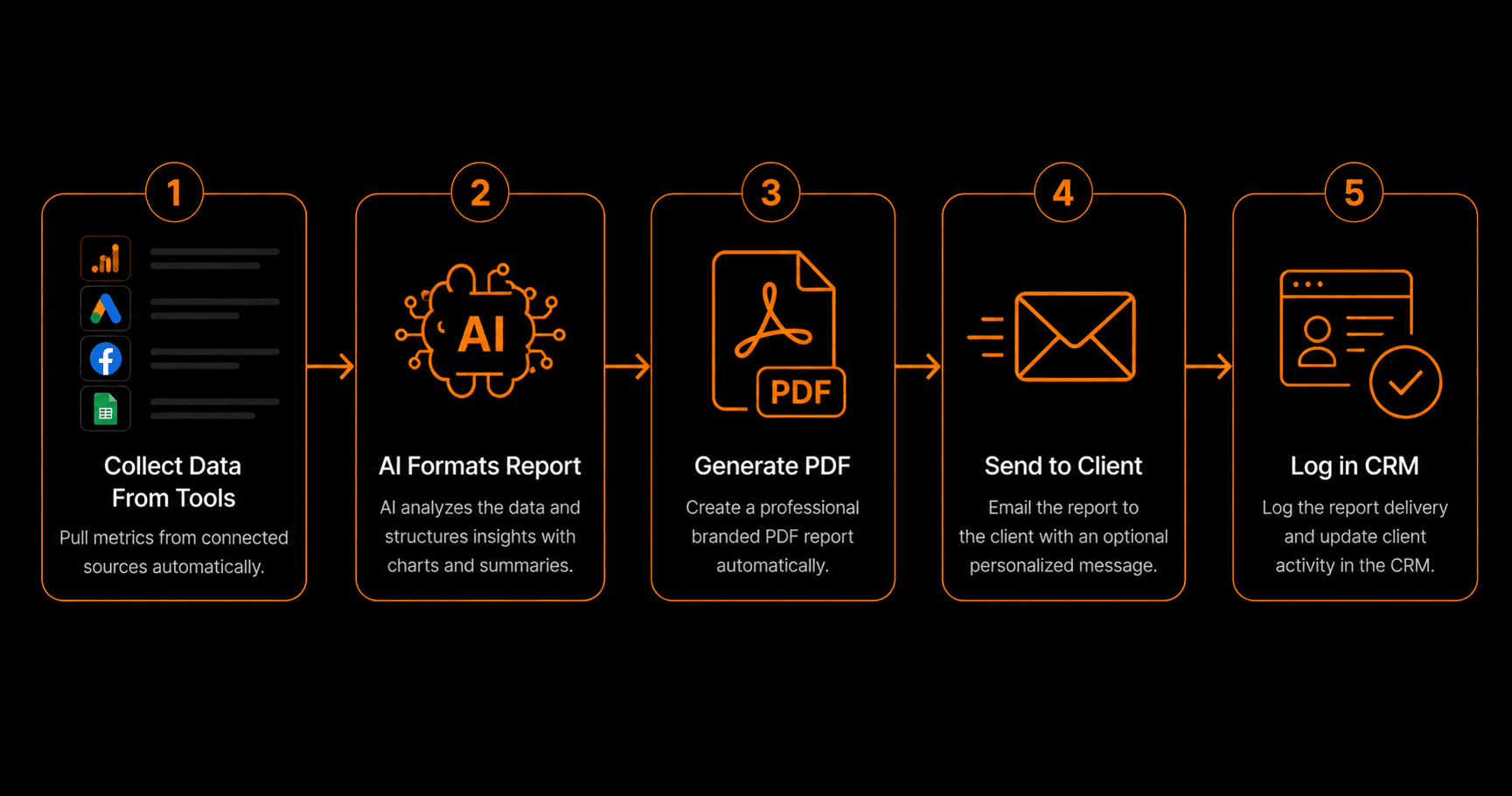
The average SaaS trial converts to a paid subscription at around 15–20%. The gap between that number and 100% is almost entirely an activation problem — users signing up but not reaching the moment where they experience the product's value. Automated onboarding sequences, triggered by user behaviour rather than just time, consistently lift trial-to-paid conversion by 20–40% without adding headcount.
Why Most Trial Users Never Activate
The failure pattern is consistent: a user signs up, gets a generic welcome email, logs in once, and never returns. They didn't complete a key setup step, didn't connect the integration that would have made the product immediately useful, or simply got overwhelmed and defaulted to their existing tool.
The users who do activate typically complete two or three specific actions in the first 48 hours. These “activation milestones” are product-specific — for a project management tool it might be creating a first project and inviting a team member; for an email platform it might be importing a list and sending a test email. Once you know your activation milestones, you can build automation that nudges every user toward completing them.
Identifying Your Activation Milestones
Before building any onboarding automation, analyse your conversion data. Look at the actions that users who convert to paid take in their first 7 days — and compare to the actions of users who churn. The actions that differentiate converters from churners are your activation milestones. Typically, there are 2–4 of them.
For Vendarwon Flow, for instance, activation milestones might be: (1) creating a first workflow, (2) activating it, and (3) seeing the first successful execution. Every user who hits all three is far more likely to convert than a user who only created an account.
Building Behaviour-Triggered Sequences
Time-based onboarding emails (“Day 1,” “Day 3,” “Day 7”) are inferior to behaviour-triggered emails because they send the same message regardless of what the user has actually done. A user who already activated gets the same “how to get started” email as a user who has never logged in again — wasting the email and potentially annoying the advanced user.
Behaviour-triggered sequences fire based on what the user has or hasn't done. If a user hasn't completed Activation Milestone 1 within 24 hours of signup, send an email specifically addressing that milestone. If they complete it, skip to the next milestone email. If they complete all milestones, switch them to a power-user track focused on advanced features.
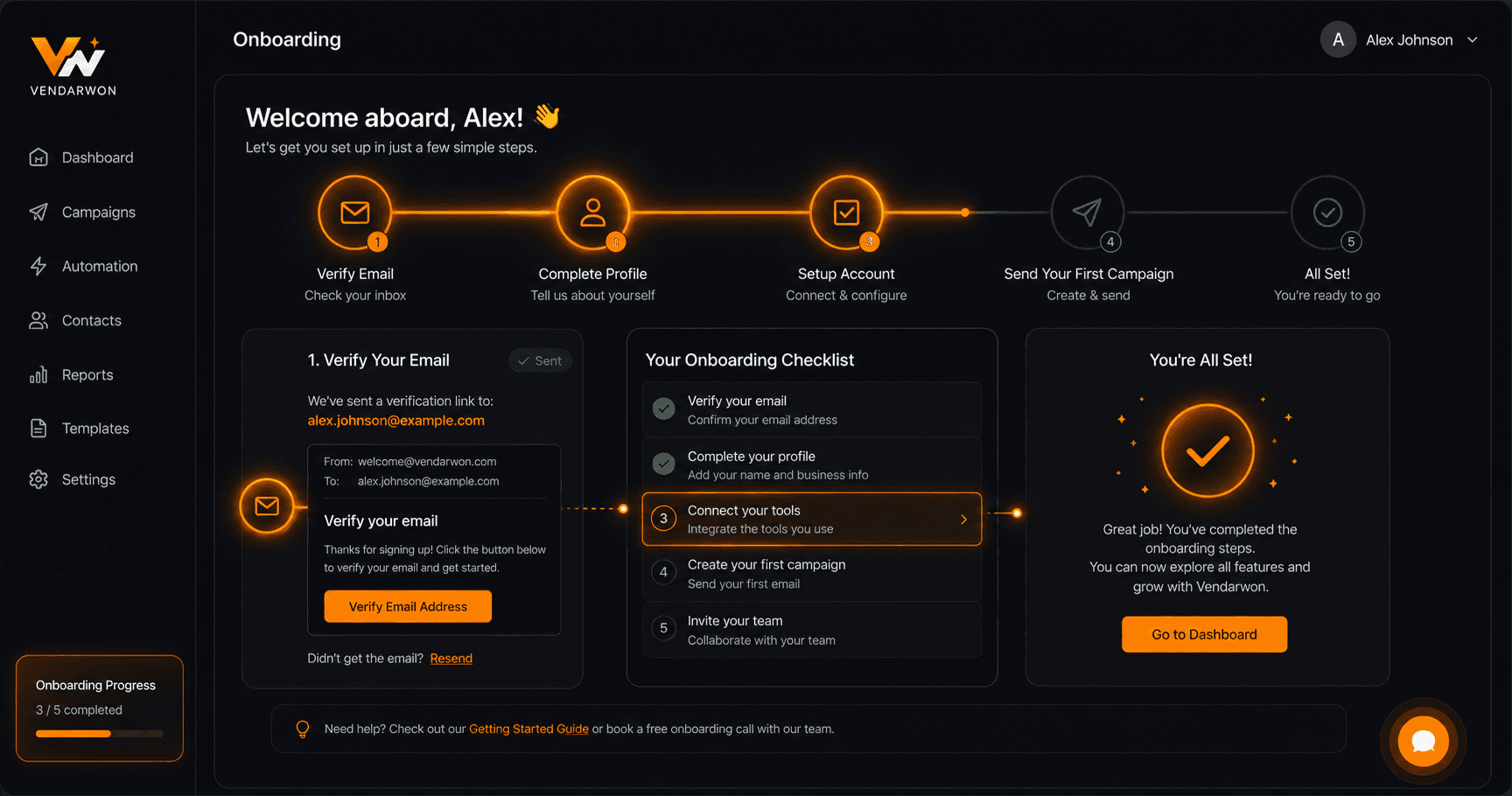
Behaviour-triggered onboarding: each email fires based on milestone completion status, not just time elapsed since signup
In-App and Out-of-App Channels
The most effective onboarding combines in-app nudges (tooltips, banners, onboarding checklists) with out-of-app channels (email, push notifications). Your automation platform handles the out-of-app layer: emails, Slack notifications (for B2B tools where users might be in a shared Slack), and SMS for high-value trial users who haven't engaged.
The trigger for each out-of-app message is a product event — typically sent from your backend to your automation platform via webhook or an analytics integration. When your product detects that a user hasn't completed a milestone within the threshold time, it fires the event; the automation handles the message.
Personal Outreach for High-Value Trials
Not all trials are equal. A solo user signing up for a $29/month plan and an enterprise team signing up for a $500/month plan need different onboarding experiences. For high-value trials (identifiable by company size, domain, or self-reported use case at signup), automate a personal outreach step: when a high-value trial user hasn't activated after 48 hours, send a genuine personal email from the CEO or head of sales — generated by AI but reviewed before sending — offering a 15-minute onboarding call.
This scales the personal touch: instead of your sales team manually identifying and emailing high-value trials, the automation does the identification and drafts the email; the salesperson just reviews and sends in one click.
Trial Expiry and Conversion Sequences
As the trial approaches expiry, your automation shifts focus from activation to conversion. Seven days before expiry: email summarising what they've accomplished, showing the value they've received. Three days before: introduce the paid plan options with a comparison. One day before: final reminder with a limited-time offer if appropriate. Day of expiry: “Your trial has ended — here's how to keep going.”
FAQ
How do I get product event data into my automation platform?
The most reliable method is a webhook sent from your backend whenever a key user action occurs (milestone completed, feature used, session started). Your automation platform receives these events and uses them to trigger or suppress emails. Tools like Segment or Mixpanel can also act as middleware, routing product events to your automation platform.
What's a good trial-to-paid conversion rate to aim for?
Industry averages range from 15–25% for self-serve SaaS. With well-optimised behaviour-triggered onboarding, 25–40% is achievable for products with strong product-market fit. Start with your baseline, implement one improvement at a time, and measure the impact of each change.
Should I gate features during the trial or give full access?
Full access trials generally outperform gated trials for activation. If users can't experience the full value of your product during the trial, they can't make an informed decision to pay. The exception is features that require significant infrastructure cost to provide — gate those specifically, not the core product experience.