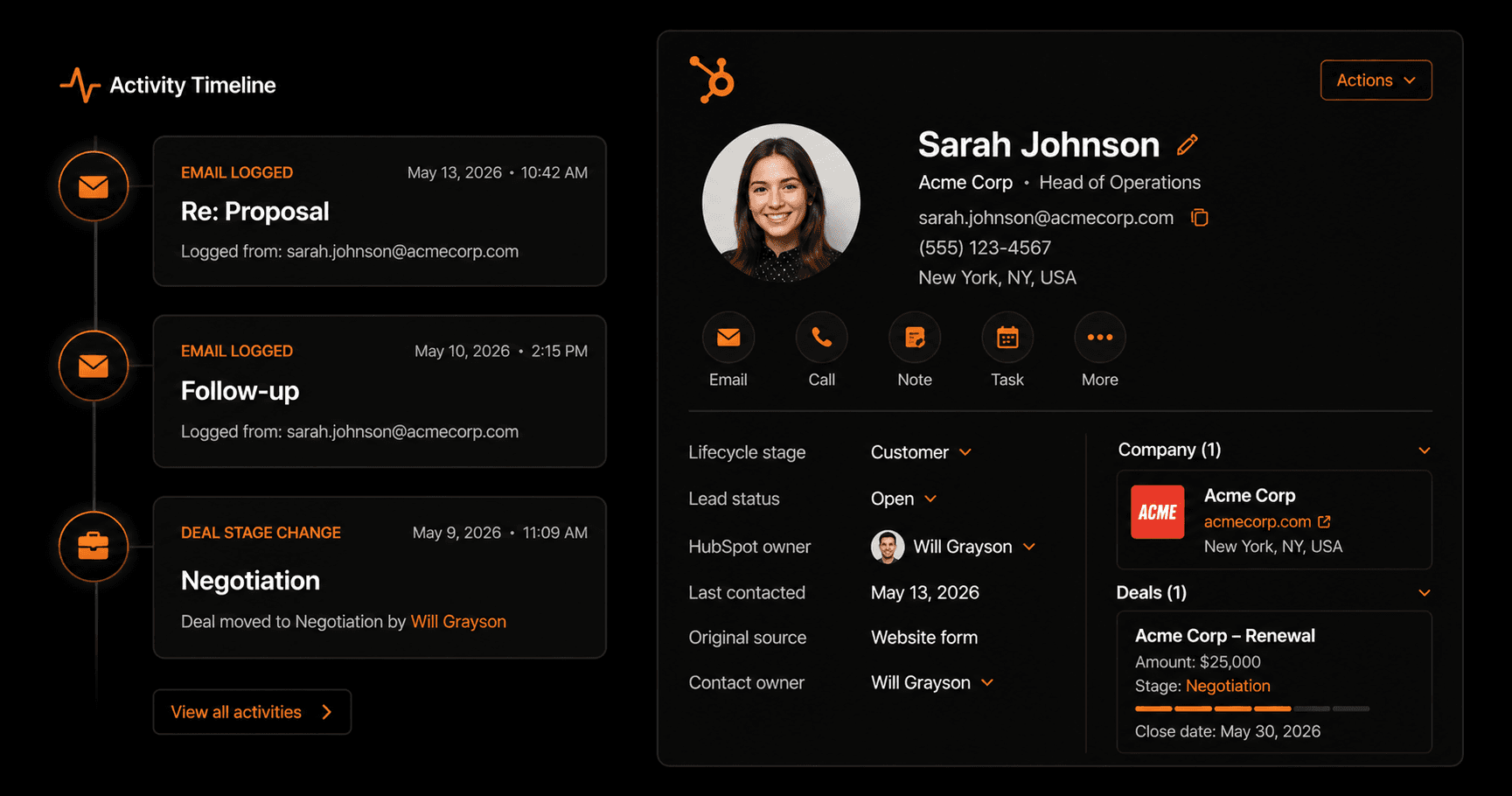
Most CRM data is incomplete — not because salespeople don't care, but because manually logging every email is tedious and easy to forget. Here's how to automatically log every Gmail email to the right HubSpot contact, so your CRM always reflects reality without any manual work.
Why email logging matters
A CRM is only as useful as the data in it. When email conversations aren't logged, you get:
- Sales reps who don't know a prospect already emailed last week
- Account managers who can't see the history before a client call
- Managers who can't track deal activity or forecast accurately
- Handoffs that go badly because context is lost between team members
Automated email logging solves all of this. Every email is captured, matched to the right contact, and logged without anyone having to remember.
How the automation works
The workflow has three core steps:
- Trigger: new email arrives in Gmail. Vendarwon Flow monitors your inbox every 2 minutes for new emails.
- Match to HubSpot contact. The sender's email address is used to look up the matching contact in HubSpot. If they exist, the email is logged to their activity timeline. If they don't exist, a new contact is created automatically.
- Log the email. The subject line, date, sender, and a summary of the email body are added to the contact's activity timeline in HubSpot.
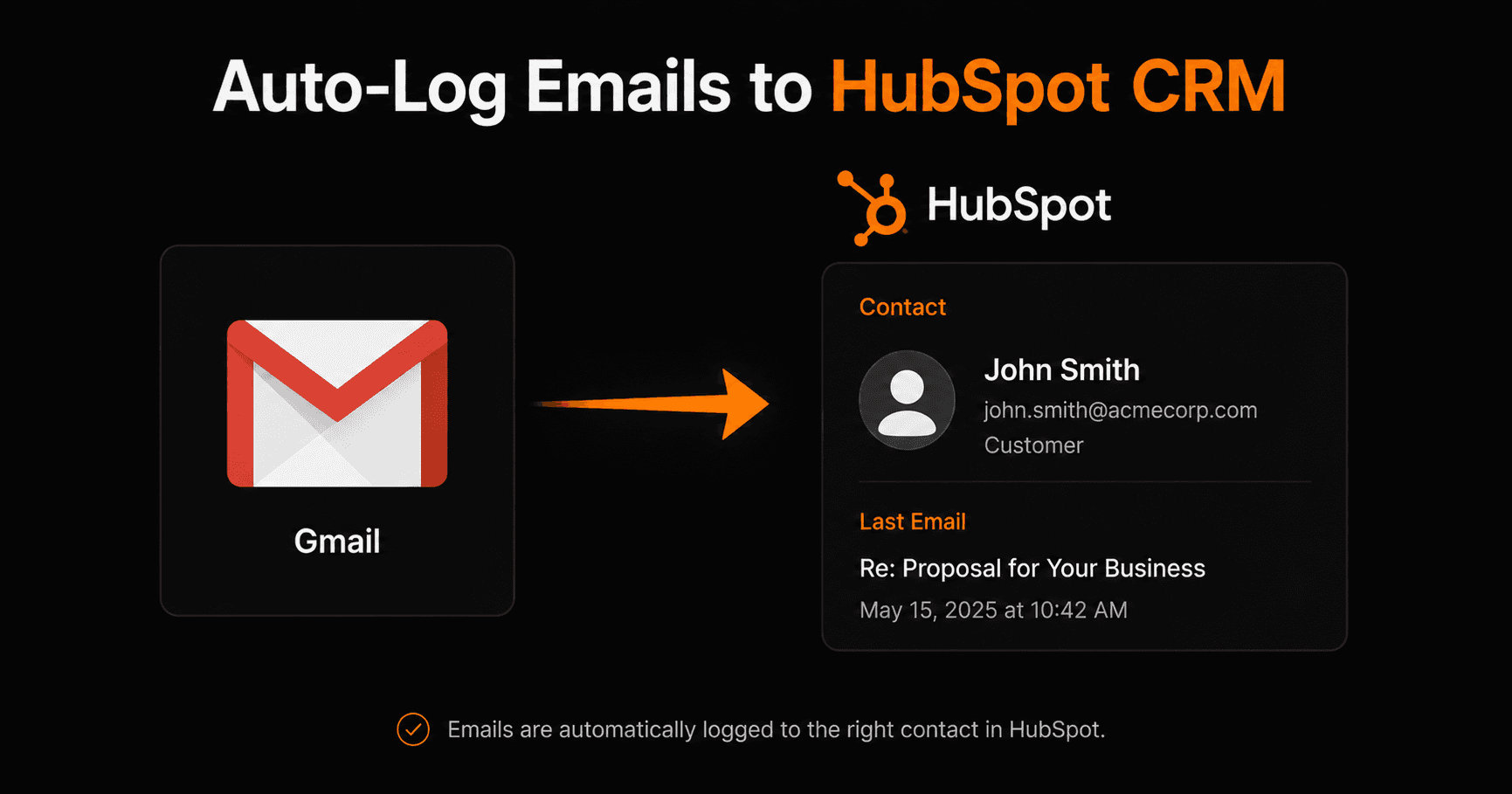
The result: a complete email history automatically logged to every HubSpot contact's timeline.
Setting it up on Vendarwon Flow
- Connect Gmail. Authorize your Google account in the Integrations section. One OAuth flow covers Gmail, Sheets, Calendar, and Drive.
- Connect HubSpot. Authorize your HubSpot account. Vendarwon Flow uses HubSpot's contacts and engagements API to log emails.
- Describe the workflow. Type: “When I receive a new email in Gmail, find the matching contact in HubSpot by email address and log the email subject and date to their activity. If no contact exists, create one.”
- Activate. The workflow runs every 2 minutes, processing any new emails that have arrived.
What gets logged
For each email, the following is recorded in HubSpot:
- Email subject line
- Sender name and email address
- Date and time received
- Email body (or AI-generated summary for long emails)
- Direction — inbound (received) or outbound (sent)
Advanced options
Also log emails you send
Add a second trigger that monitors your Gmail Sent folder. Every email you send to a known contact gets logged as an outbound email in HubSpot, giving you a complete two-way conversation history.
Update deal stage on reply
Add a condition: if the contact has an open deal and sends a reply, automatically move the deal stage to “Responded” or “Engaged”. This keeps your pipeline accurate without any manual updates.
AI-powered email summary
Add an AI node before the HubSpot logging step. The AI reads the email and writes a one-sentence summary — “Client asked for revised pricing by Friday” — which gets logged as a note on the contact instead of the full email text. Makes activity timelines much more scannable.
Filter by domain
Only log emails from your target accounts. Add a condition that checks if the sender's domain matches a list of client domains — so newsletters and personal emails don't pollute your CRM.
Frequently asked questions
What if the contact doesn't exist in HubSpot yet?
You can configure the workflow to either create a new contact automatically (with the sender's name and email) or skip logging for unknown contacts. Most teams prefer auto-create so no email goes untracked.
Does this work with HubSpot free?
Yes — HubSpot's free CRM includes the contacts and engagements API that Vendarwon Flow uses for logging. No paid HubSpot plan required.
Can I log to other CRMs besides HubSpot?
Yes — Vendarwon Flow supports Pipedrive and Close CRM with similar logging capabilities. Salesforce and Zoho CRM support is in progress.
Will this log every email including newsletters and spam?
By default it processes all inbound emails. Add a filter condition (sender domain, label, or AI classification) to skip newsletters, automated emails, and any address you don't want logged.