A website chatbot that actually helps visitors — answering product questions, qualifying leads, booking demos, and escalating complex queries to a human — used to require a developer and weeks of work. In 2026, you can build one in an afternoon using plain English, no code, and an automation platform that handles the conversation logic and integrations. Here's the complete guide.
What Makes an AI Chatbot Actually Useful
The chatbots that damage brand reputation are the ones that can't answer real questions and frustrate visitors with dead ends. The ones that convert are the ones that know your product, give useful answers, collect visitor information naturally, and know when to hand off to a human. Building the latter requires three things: a reliable AI model with knowledge of your product, clear logic for when to collect contact information, and a smooth handoff process when the conversation exceeds the bot's capability.
Your chatbot should handle the 80% of visitor questions that are repetitive and predictable (pricing, features, how-to questions, integration compatibility) and immediately escalate the 20% that require human judgment (complex custom requirements, pricing negotiations, sensitive support issues). Drawing this boundary clearly during setup is the most important design decision you'll make.
Step 1: Define the Bot's Knowledge Base
Your chatbot needs a knowledge base — a set of information it can draw on when answering questions. At minimum, this includes your product description, pricing, key features, integration list, FAQ, and use cases. More sophisticated bots include your documentation, case studies, and competitor comparisons.
The most reliable approach is Retrieval-Augmented Generation (RAG): your chatbot searches the knowledge base for relevant content before generating each response. This grounds the AI's answers in your actual documentation, reducing hallucination and ensuring accuracy. Many no-code chatbot platforms (Voiceflow, Intercom Fin, Tidio AI) implement RAG without requiring you to configure it explicitly.
Step 2: Map the Conversation Flows
While AI handles free-form conversation, certain flows benefit from structured logic. Lead qualification is the most important: when a visitor asks about pricing or wants to try the product, your chatbot should collect their name, email, company, and use case before connecting them to sales or triggering a free trial flow. Map this as a specific conversation branch with defined questions and data collection steps.
Other structured flows include: demo booking (collect info → check calendar availability → book a slot in Calendly), support escalation (identify the issue → search knowledge base → offer human handoff if unresolved), and pricing enquiry (collect company size and use case → recommend the right plan → collect email for follow-up). These flows run as automation workflows triggered by the conversation, ensuring CRM entries and calendar events are created correctly every time.
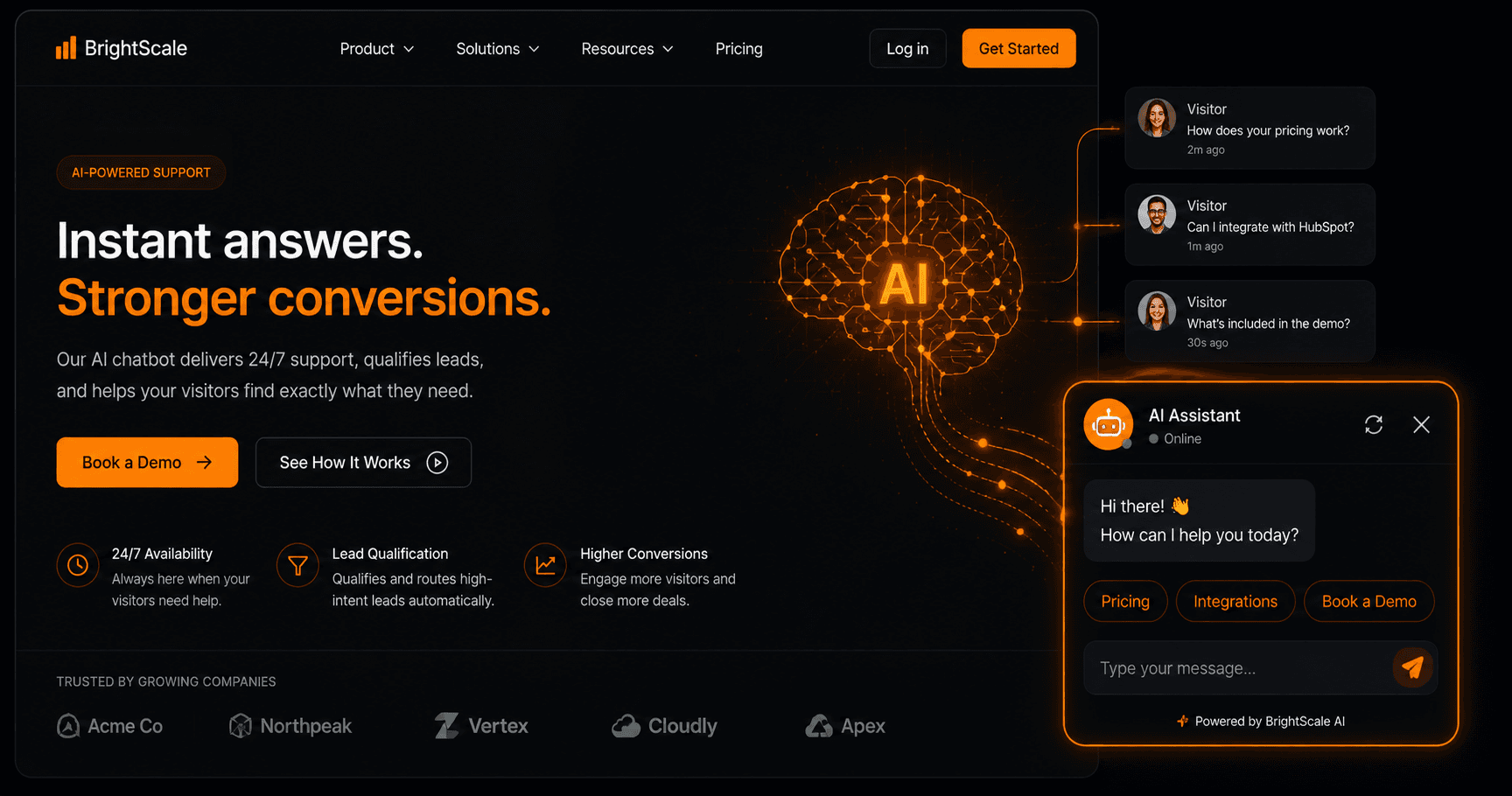
Chatbot architecture: AI conversation layer connected to lead qualification flow, CRM integration, and human escalation via Slack
Step 3: Integrate With Your CRM and Calendar
The chatbot is only as valuable as the data it captures and where it sends it. Every lead qualification conversation should create a contact in your CRM with the visitor's details, the questions they asked, and the plan or product they were interested in. Every demo booking should create a calendar event with the booking details. Every support escalation should create a ticket in your helpdesk.
These integrations are typically handled via webhooks from the chatbot platform to your automation platform (Vendarwon Flow), which then calls the CRM, calendar, and helpdesk APIs. The chatbot fires an event; the automation handles all the downstream data operations. This decoupled architecture makes it easy to change CRMs or add new integrations without rebuilding the chatbot.
Step 4: Human Escalation
The handoff from bot to human is the most delicate moment in the chatbot experience. Done poorly, it feels like hitting a wall. Done well, it feels like a warm introduction: “Let me connect you with one of our team members who can answer that specifically. They'll be with you in under 2 minutes.”
Build your escalation flow so that: the bot summarises the conversation context in a Slack message to your support or sales team, the visitor receives an acknowledgement that a human will follow up (with a time estimate), and the human responder has full conversation history before responding. This prevents the visitor from having to repeat themselves — the biggest frustration in bot-to-human handoffs.
Measuring Chatbot Performance
Track four metrics: containment rate (percentage of conversations resolved by the bot without human escalation — target 70%+), lead capture rate (percentage of website visitors who engage with the bot and provide contact details), CSAT (customer satisfaction score collected at conversation end), and conversation quality score (human review of a random sample of conversations each week). These metrics tell you whether the bot is helping or hurting.
FAQ
Which platforms make it easiest to build a no-code AI chatbot?
Voiceflow, Tidio, and Intercom Fin are the leading no-code options. Voiceflow offers the most design flexibility. Tidio is the easiest to set up for small businesses. Intercom Fin is best for companies already using Intercom for support. For a fully custom solution connected to your own automation platform, Vendarwon Flow can orchestrate conversation logic as a workflow triggered by webhook events from a chat widget.
How do I prevent the chatbot from giving wrong answers?
Use RAG to ground responses in your documentation. Add confidence thresholds — if the AI confidence score for a response is below a threshold, route to human escalation rather than guessing. Review conversation logs weekly to identify and correct recurring inaccurate responses by updating your knowledge base.
Can the chatbot handle multiple languages?
Modern AI models handle multiple languages natively. If you have a multilingual audience, test your chatbot in each target language and ensure your knowledge base includes content in those languages, or verify that the AI model translates your English knowledge base accurately for each language.
How do I avoid the chatbot annoying visitors who just want to browse?
Don't proactively trigger the chat on every page load. Use behavioural triggers: fire the chat widget after 45 seconds on a pricing page, after a visitor scrolls 70% down a product page, or when exit intent is detected. These signals suggest the visitor is engaged or considering leaving — exactly the right moments for a well-timed chat prompt.