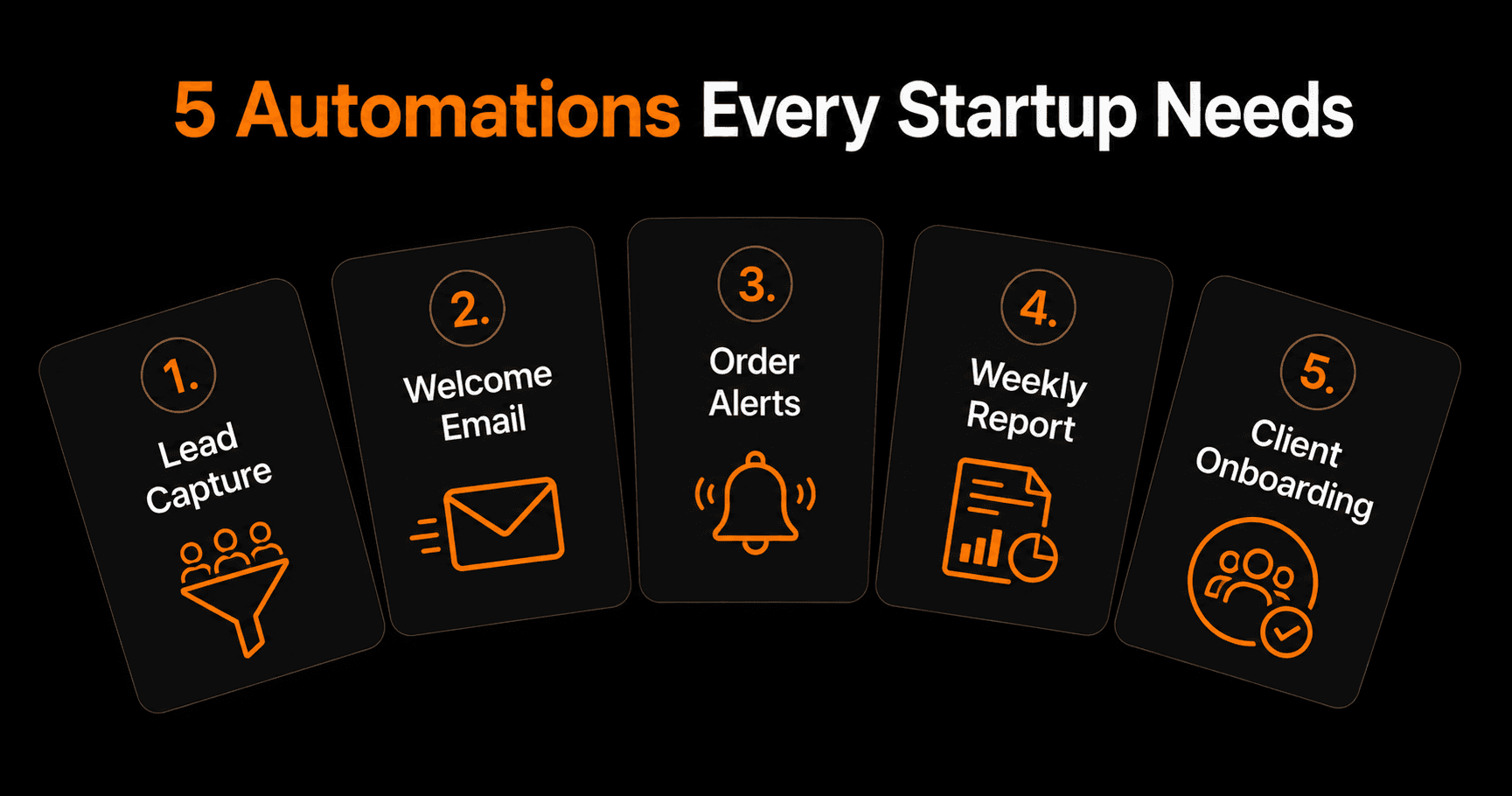
Early-stage startups have two things in common: not enough time and not enough people. Automation doesn't solve the people problem, but it multiplies the time. These are the five automations that give early-stage founders the biggest return — fastest to build, highest value per hour saved.
Once these five are running, read the full automation stack for a one-person business — the next level up.
Why automate early?
Founders who automate early build scalable habits from day one. Instead of building a process manually and automating it later (which requires rebuilding twice), you design the automated version from the start. When you get your first 10 customers, your operations don't break — they scale.
These five automations can each be built in 30–60 minutes. Together, they typically save 15–20 hours per week for a two-person founding team.
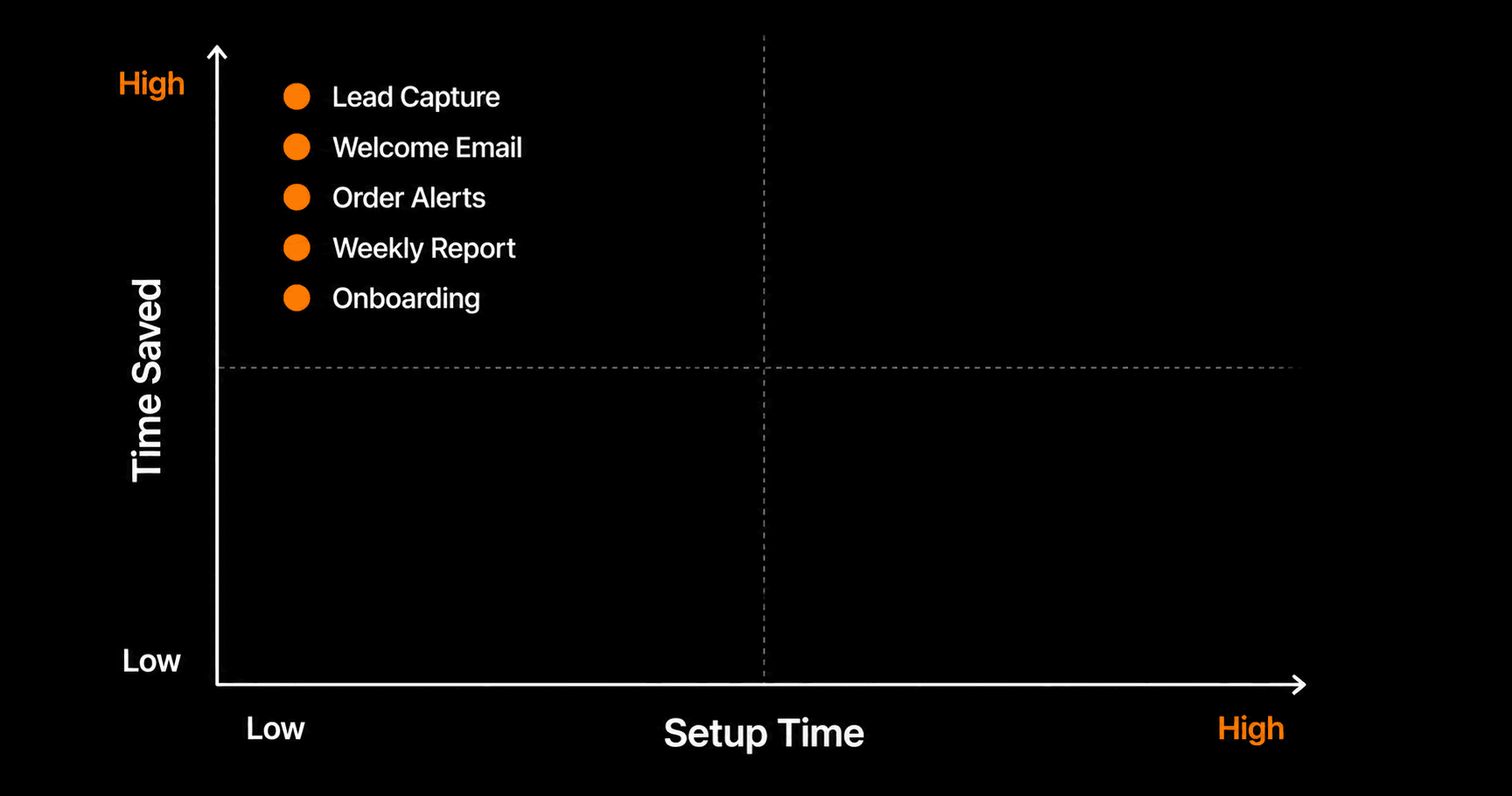
High value, low effort — all five automations live in the top-left quadrant
Automation 1: Lead capture → CRM + instant follow-up
What it does: When someone submits a contact form, books a demo, or downloads a lead magnet, they are automatically added to your CRM (HubSpot or a Google Sheet) and receive a personalized follow-up email within 60 seconds.
Why it matters: Speed-to-lead is one of the biggest conversion drivers in B2B sales. Studies show responding within 5 minutes is 21x more effective than responding in 30 minutes. Most founders respond in hours. Automation responds in seconds.
How to build it:Connect your form (Typeform, Tally, or your website's contact form via webhook) to Vendarwon Flow. Trigger: form submitted. Action 1: create HubSpot contact or add Google Sheets row. Action 2: send personalized welcome email via Gmail or Resend. Time to build: 25 minutes.
Automation 2: New user onboarding sequence
What it does: When a new user signs up for your product, they receive a 5-email onboarding sequence over 14 days — welcome, activation tips, feature highlight, case study, and a check-in asking if they need help.
Why it matters:Most SaaS churn happens in the first two weeks because new users don't discover the core value fast enough. An onboarding sequence that guides users to their “aha moment” increases activation and reduces early churn significantly.
How to build it: Trigger: new user created (webhook from your app or Supabase trigger). Action: add to email sequence in Mailchimp or ConvertKit with the 5 pre-written emails timed at Day 0, Day 2, Day 5, Day 9, Day 14. Time to build: 45 minutes (including writing the emails).
Automation 3: Order and payment alerts
What it does: When a new order is placed or a payment is received, an instant Slack notification is sent to the team with the customer name, amount, and product.
Why it matters: Early-stage startups run on momentum. Every new customer is a signal worth celebrating and acting on. Instant notifications mean you can personally thank high-value customers, flag unusual orders for review, and track revenue in real time without opening your payment dashboard every hour.
How to build it:Trigger: new Shopify order or Gumroad sale webhook. Action: send Slack message to #sales channel with customer name, product, and amount. Add a condition: if order value is over $500, also send to the founders' DMs. Time to build: 15 minutes.
Automation 4: Weekly metrics report
What it does:Every Monday morning, an automated report arrives in your Slack or email with last week's key numbers: revenue, new signups, active users, support tickets resolved, and any anomalies.
Why it matters: Without consistent metrics, you make decisions based on gut feel and anecdote. With a weekly report that takes zero effort to produce, you build the habit of running on data from day one — without spending 90 minutes every Monday compiling spreadsheets.
How to build it: Trigger: cron every Monday at 8am. Action: read data from Google Sheets (your metrics tracker), pass to AI to generate a summary paragraph, send to Slack #metrics channel. Time to build: 35 minutes.
Automation 5: Support ticket triage
What it does: When a customer emails your support address, an AI reads the email, classifies it (bug, billing, how-to, feature request), generates a draft response, and sends you a Slack notification with the classification and draft. You review and send in one click.
Why it matters:At early stage, every customer interaction is precious — but support can eat entire days. AI-assisted triage means you never miss a support request, you respond faster than users expect, and you don't have to write the same answers from scratch every time. It also builds a log of all requests, which becomes invaluable for product decisions.
How to build it: Trigger: new email to support@yourdomain.com via Gmail. Action 1: AI classifies and drafts response. Action 2: Slack notification to you with classification, original email, and draft. Action 3 (on approval): send the draft reply from Gmail. Time to build: 40 minutes.
The order to build them
Don't build all five at once. Prioritize by pain:
- Lead capture — revenue impact, build first
- Order alerts — quick win, 15 minutes, instant value
- Support triage — build when support volume hits 5+ emails/day
- Onboarding sequence — build when you have 10+ signups/week
- Weekly report — build when you have enough data to report on
Frequently asked questions
Do these automations require any coding?
None. Every automation described here can be built in Vendarwon Flow by describing what you want in plain English. The AI generates the workflow. The only setup is connecting your tools via OAuth — the same process as “Sign in with Google.”
What if we're pre-product and don't have customers yet?
Build automations 1 and 4 now — lead capture and metrics reporting. They work at zero-customer stage and create good habits. Add automations 2, 3, and 5 as you hit the relevant thresholds (first users, first sales, first support requests).
How much do these automations cost to run?
On Vendarwon Flow's Starter plan ($9/month), you get 2,000 executions. At 5 automations running daily, that's roughly 150 executions/month — well within the free plan's 100-execution limit if you're very early stage, and comfortably within the Starter plan once you're active.
Can I build all five in one day?
Yes — if you have your tools already connected and accounts set up, you can build and test all five in a single focused afternoon (4–5 hours). Most founders prefer to build one, run it for a few days, then build the next. Either approach works.